


Outfit boats, vans, or off-grid builds for a living? Van upfitters, RV shops, marine electricians, and solar installers get dealer pricing on Victron, Epoch & more. Get dealer pricing →
Find the cable you need
Communication, interface, and connection cables for Victron systems — the common ones, sorted by what they plug into.
Swipe the table sideways to see every column →
| Cable / interface | Type | What it connects | From |
|---|---|---|---|
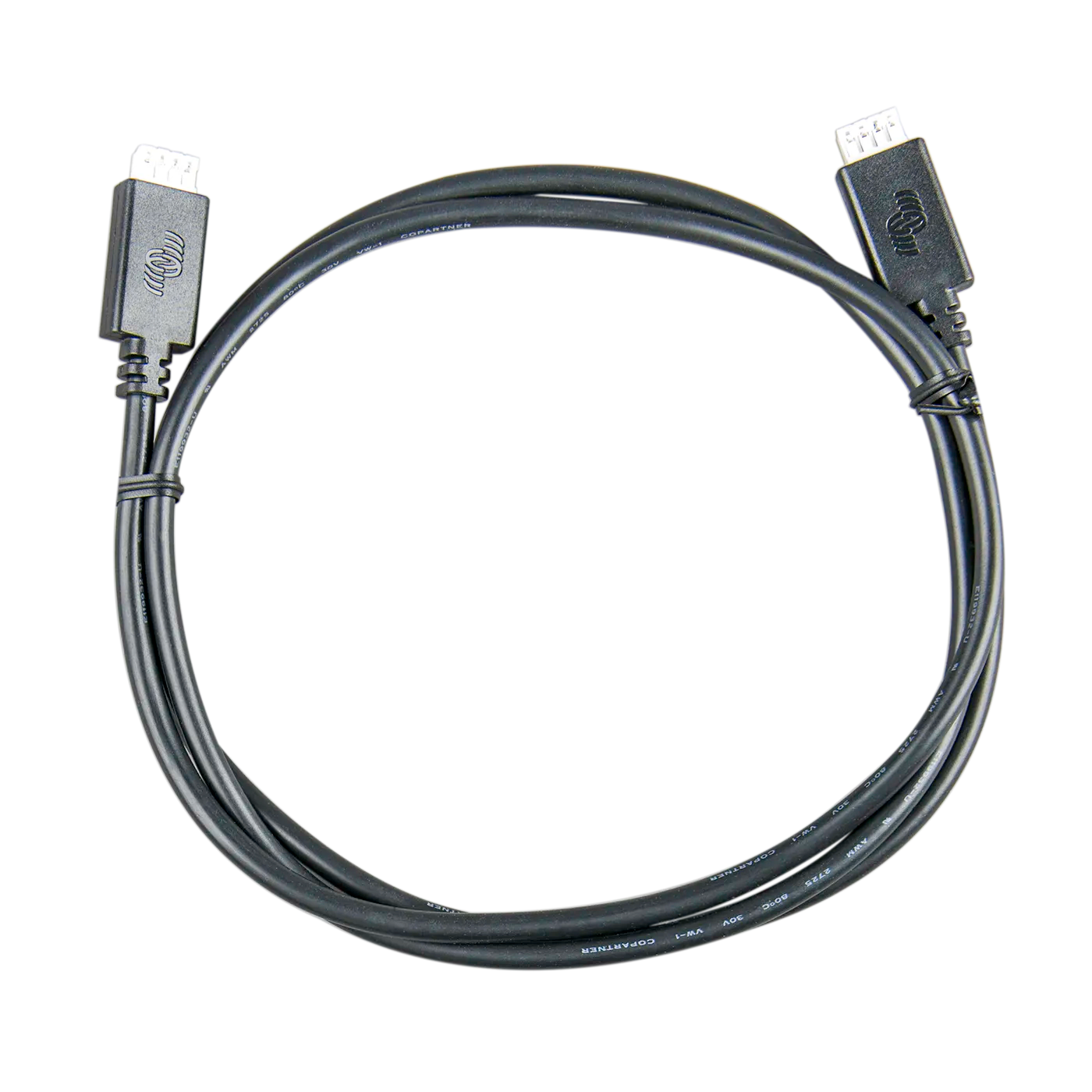
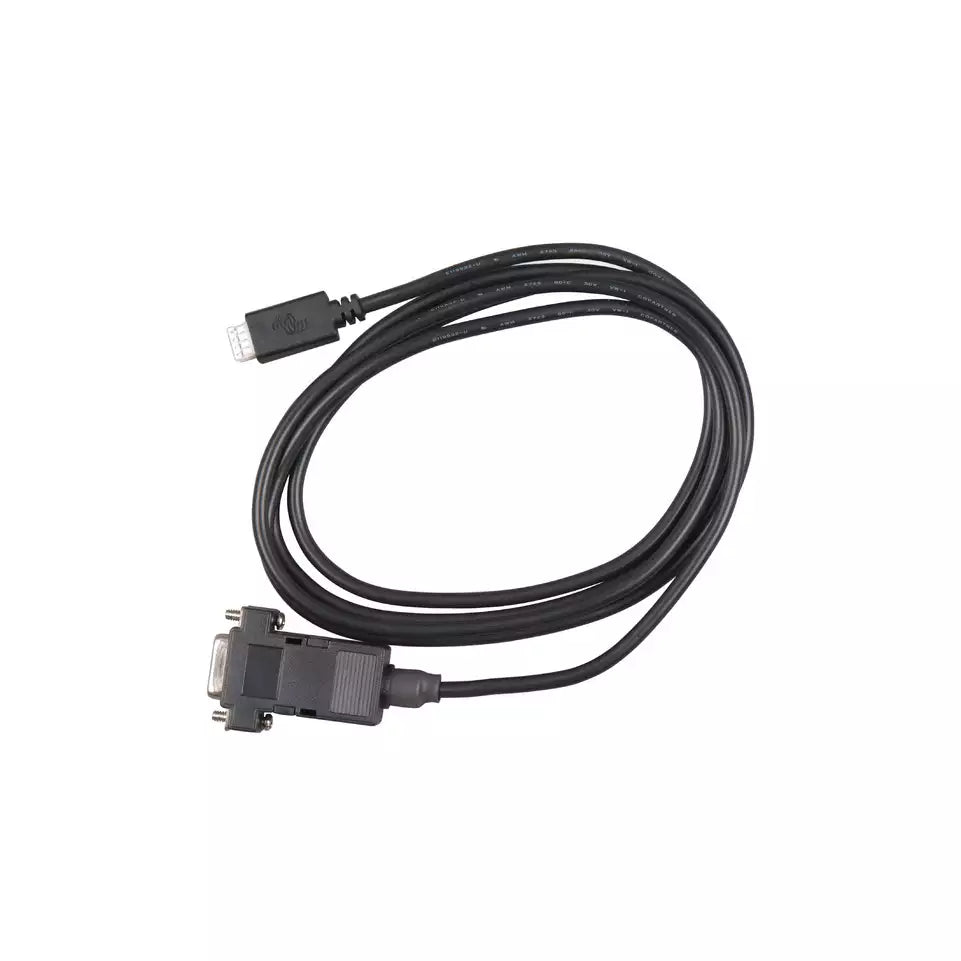
| VE.Direct Cable | Comms | An MPPT, BMV, or VE.Direct device to a GX or screen | $17.85 |
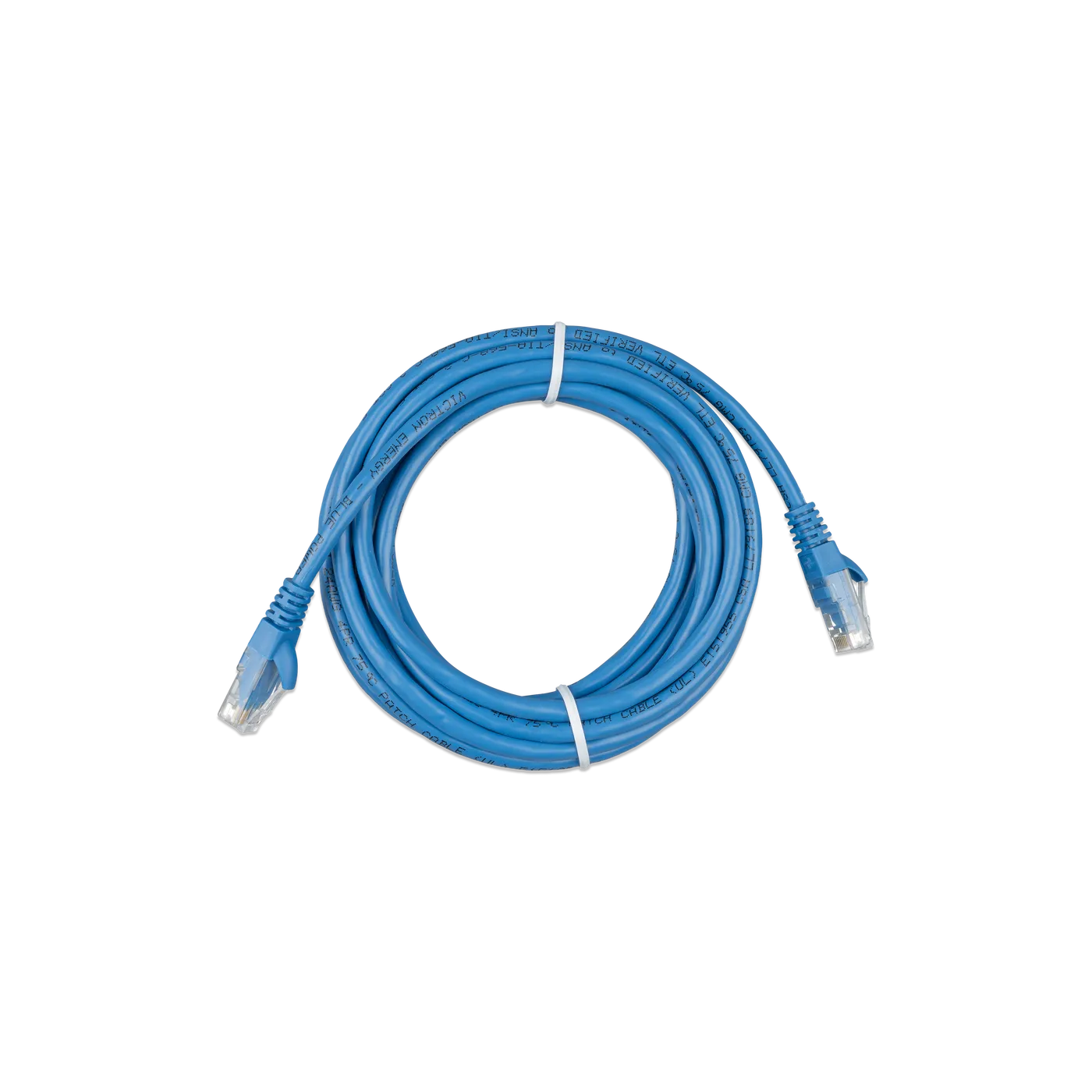
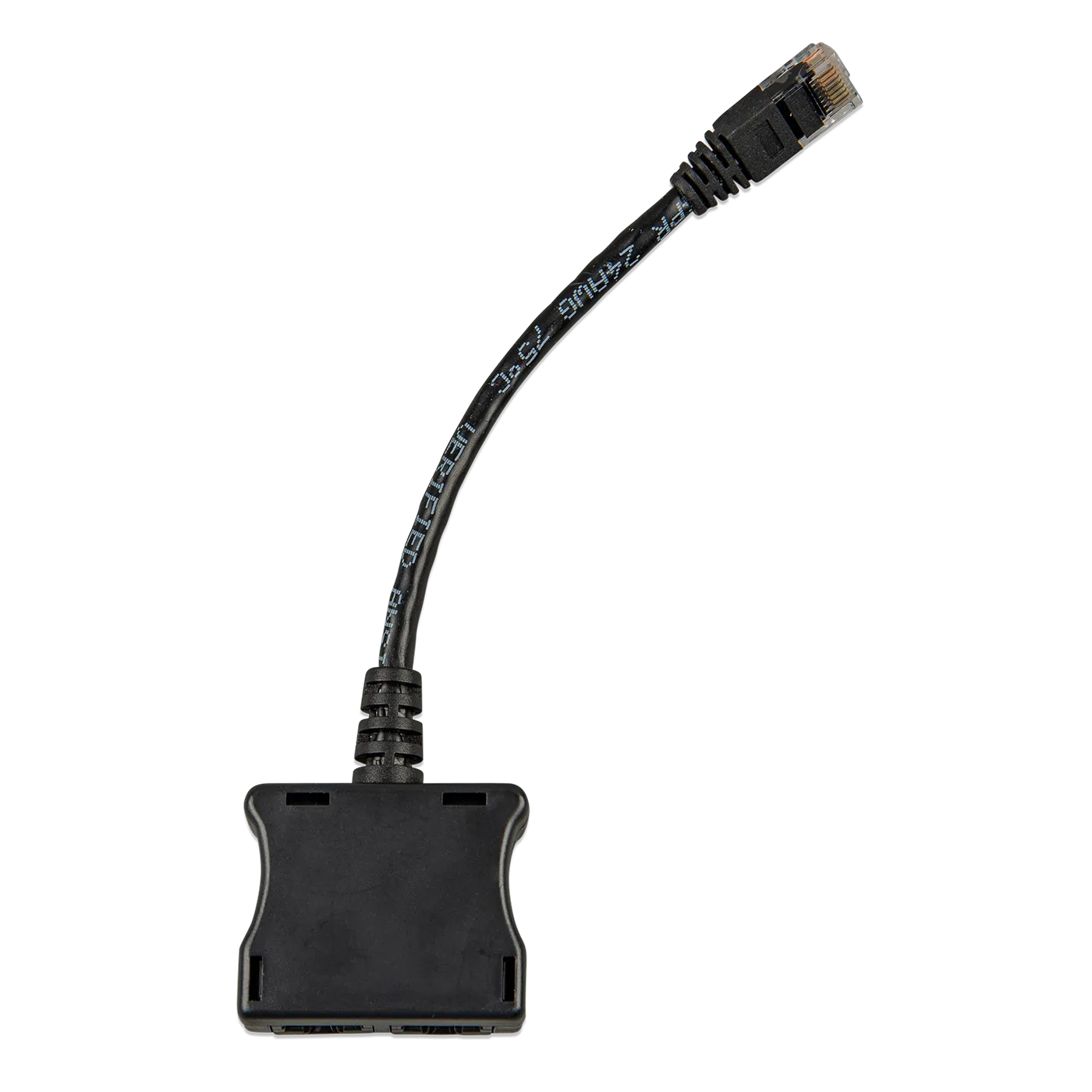
| RJ45 UTP Cable | Comms | VE.Bus & VE.Can gear — inverters, chargers, GX | $7.65 |
| RJ12 UTP Cable | Comms | A BMV monitor head to its shunt | $7.65 |
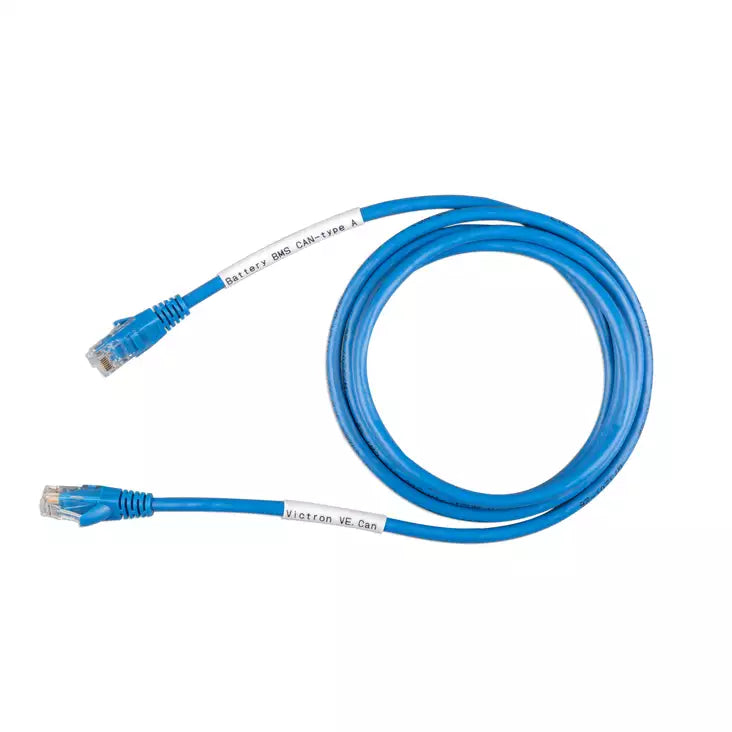
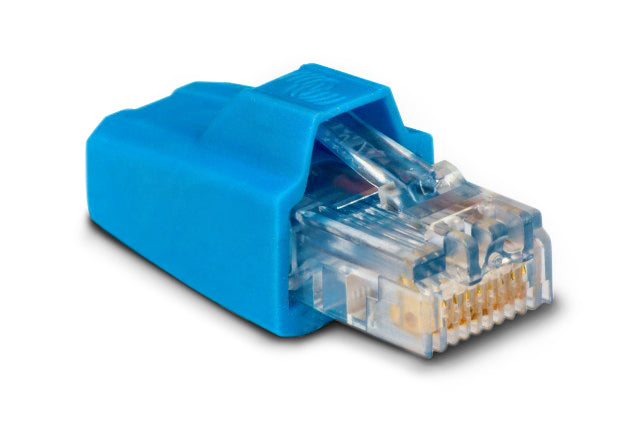
| VE.Can RJ45 Terminator (2-pack) | Terminator | Both ends of a VE.Can network | $10.20 |
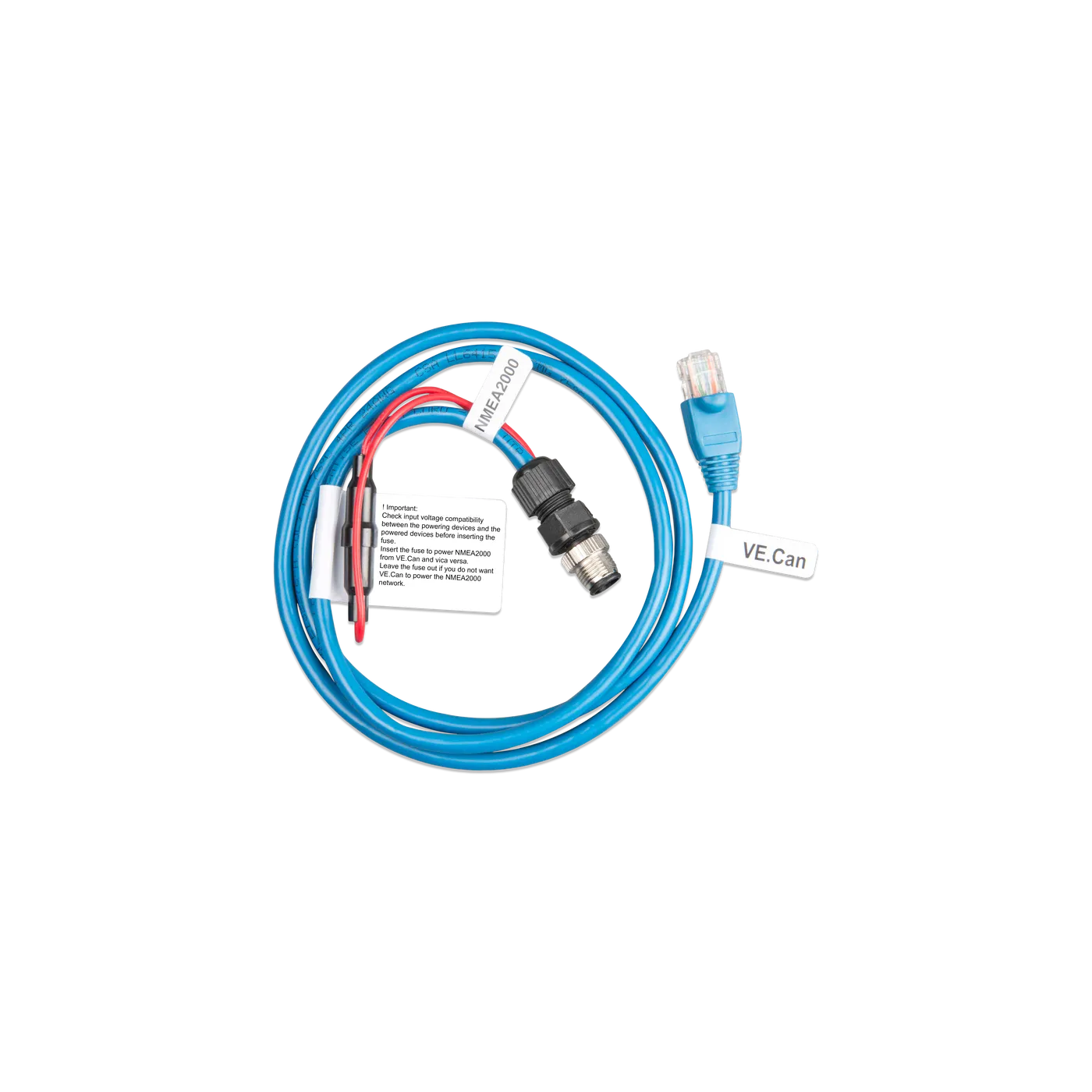
| VE.Can to NMEA 2000 | Comms | A Victron VE.Can bus to a NMEA 2000 backbone | $70.55 |
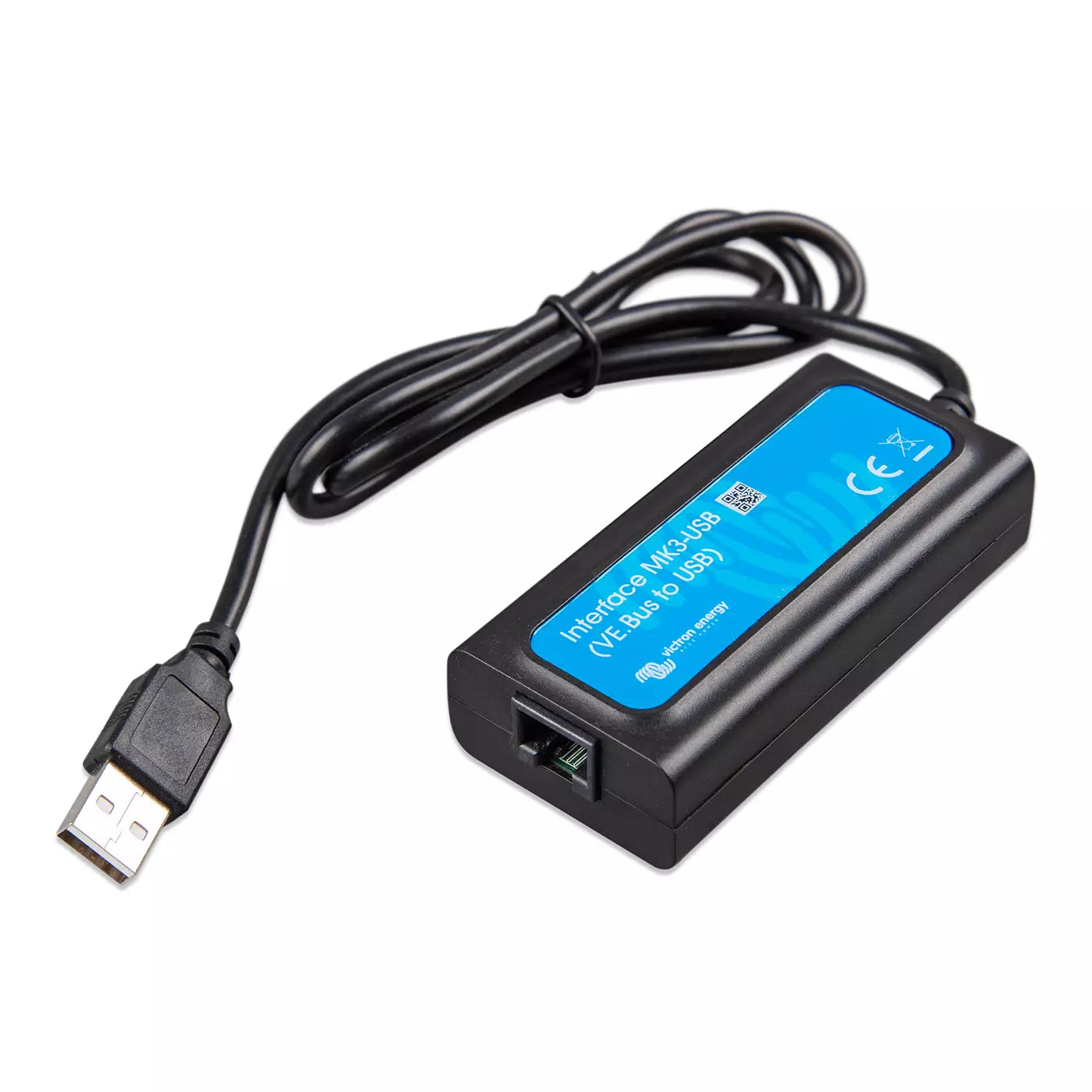
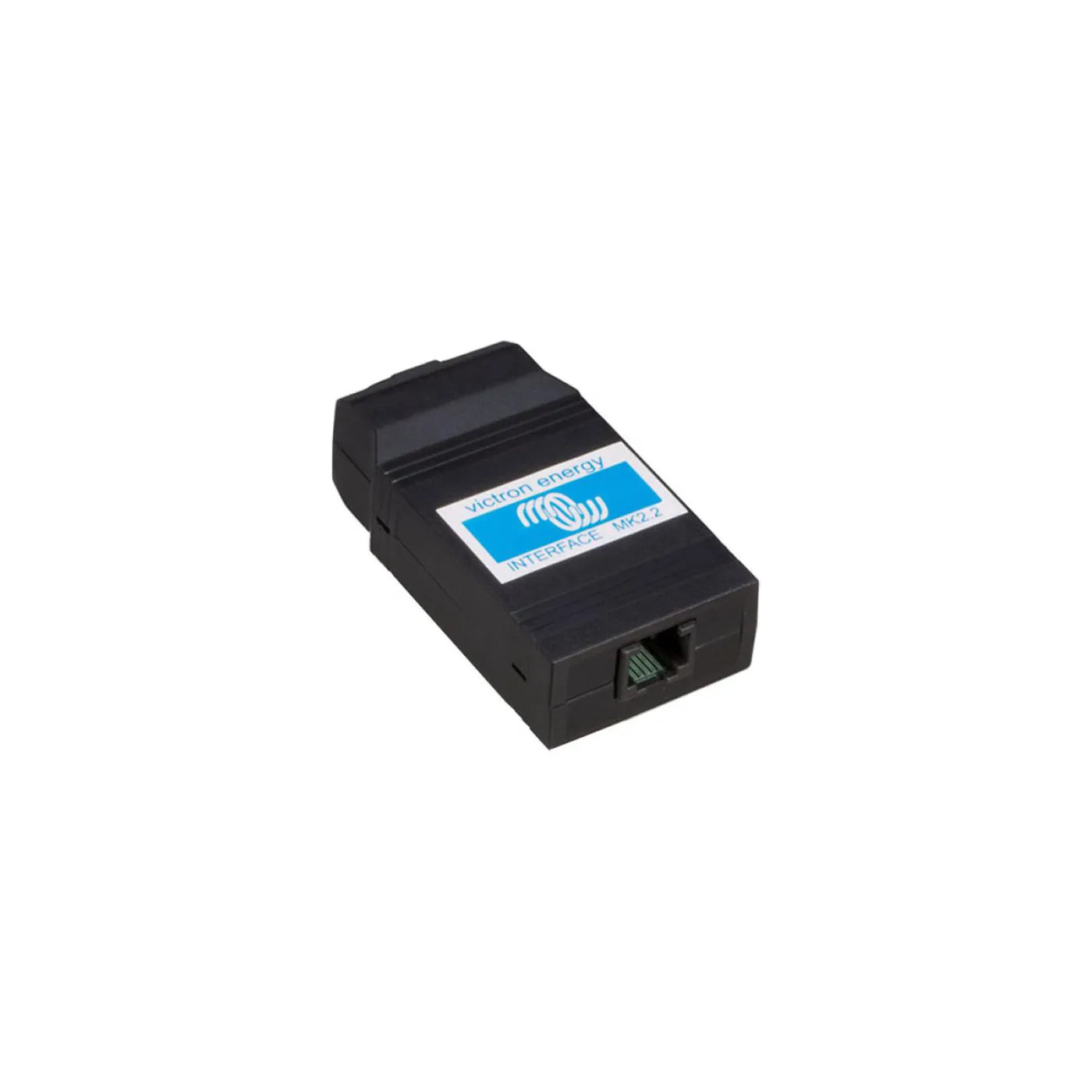
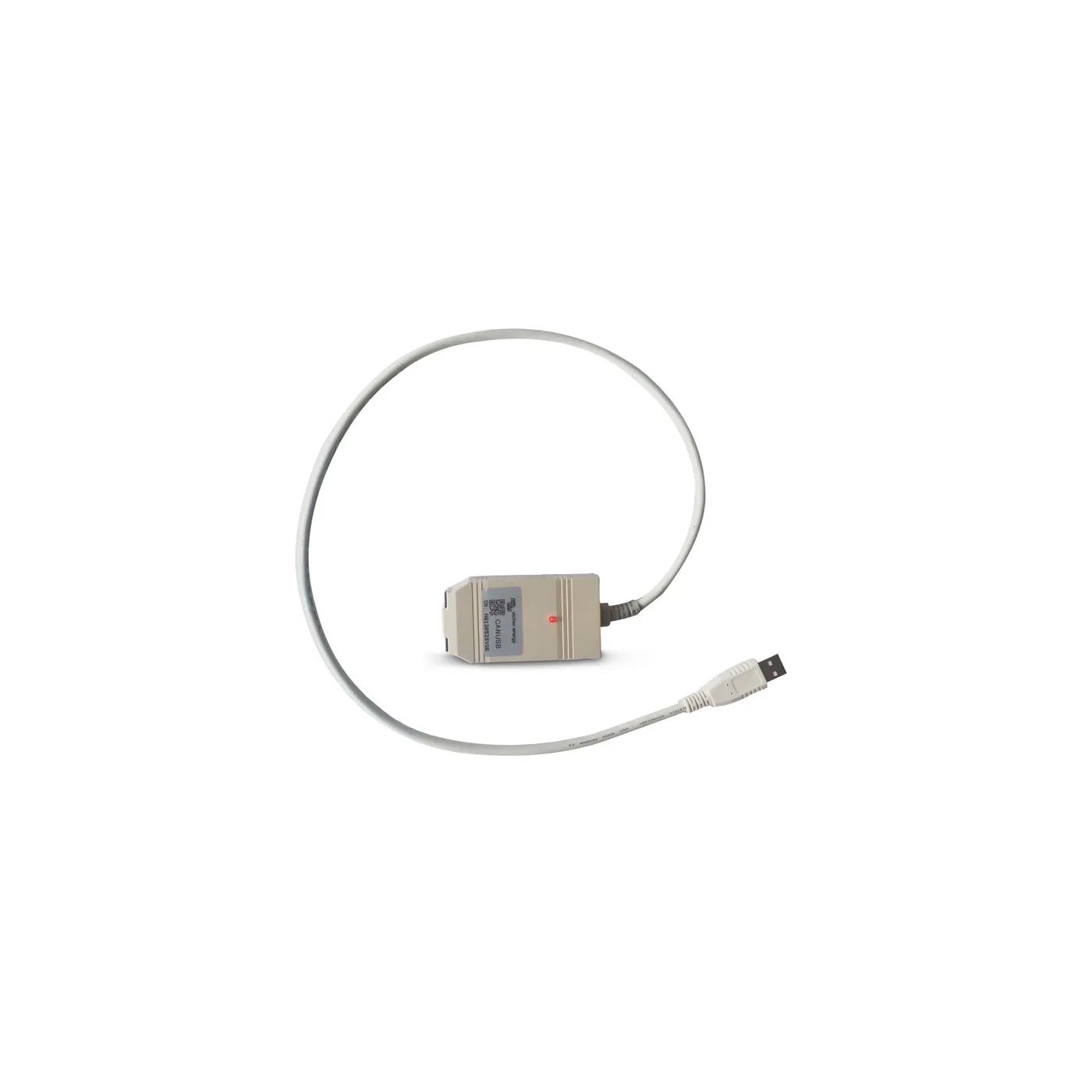
| MK3-USB Interface | USB interface | A MultiPlus or Quattro to a computer | $65.45 |
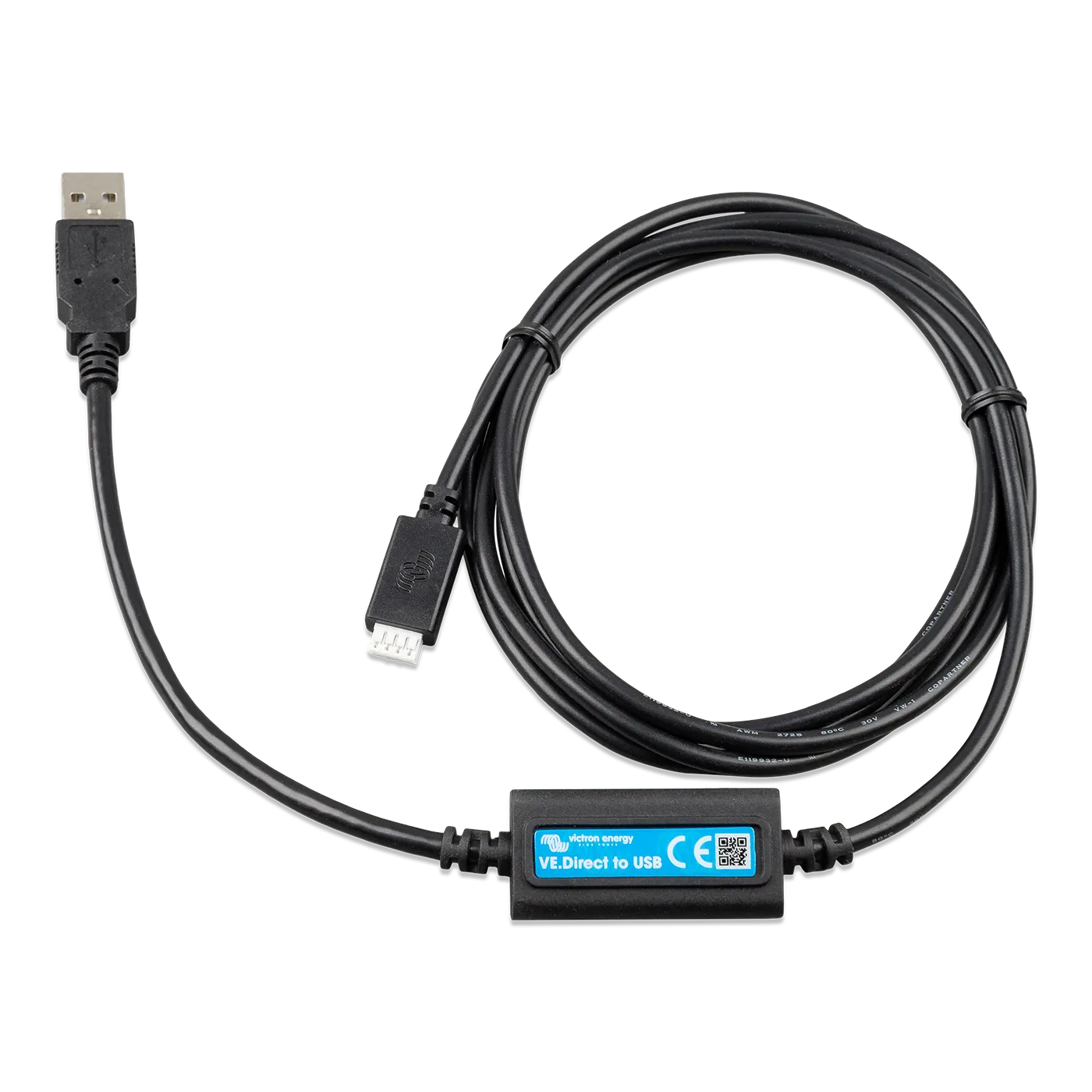
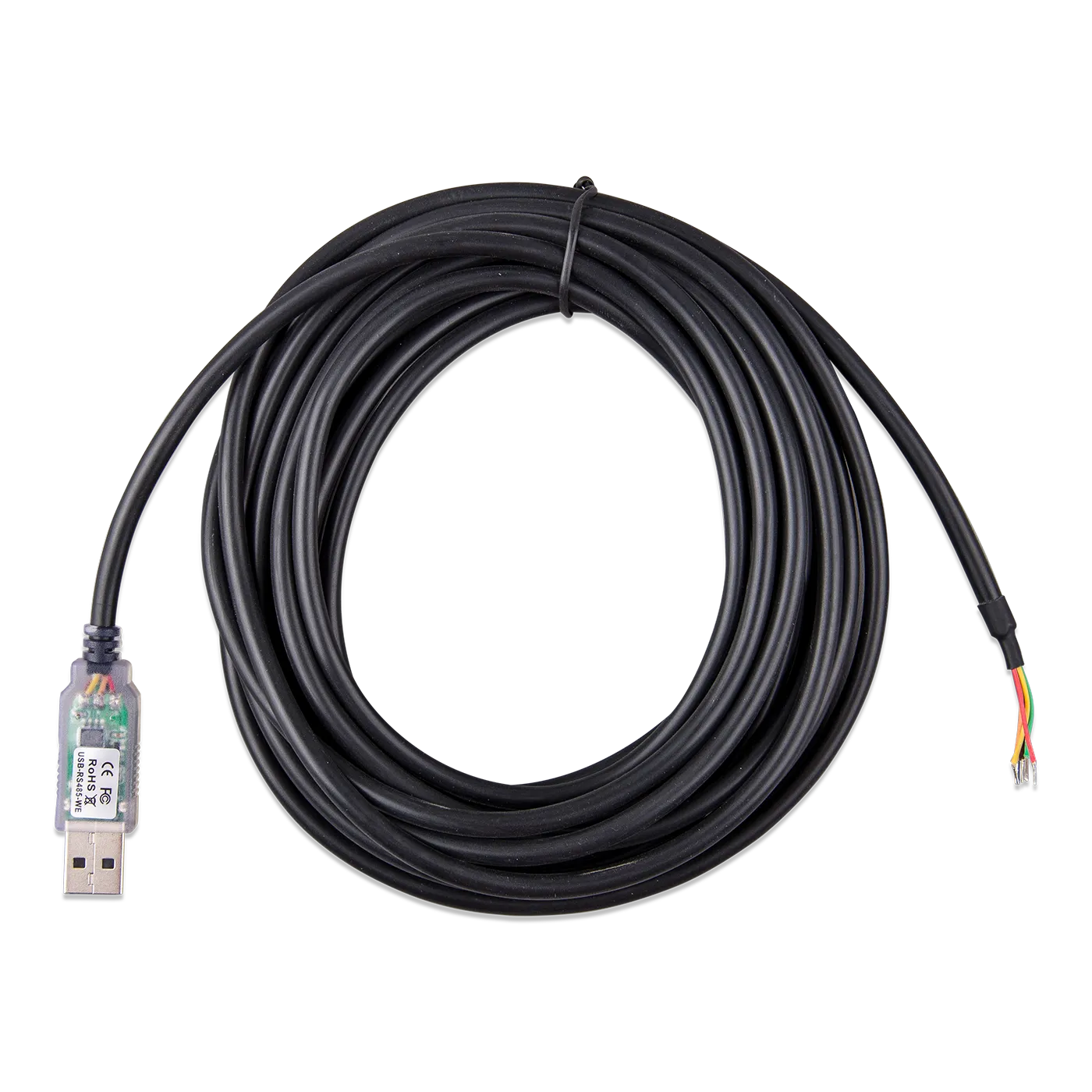
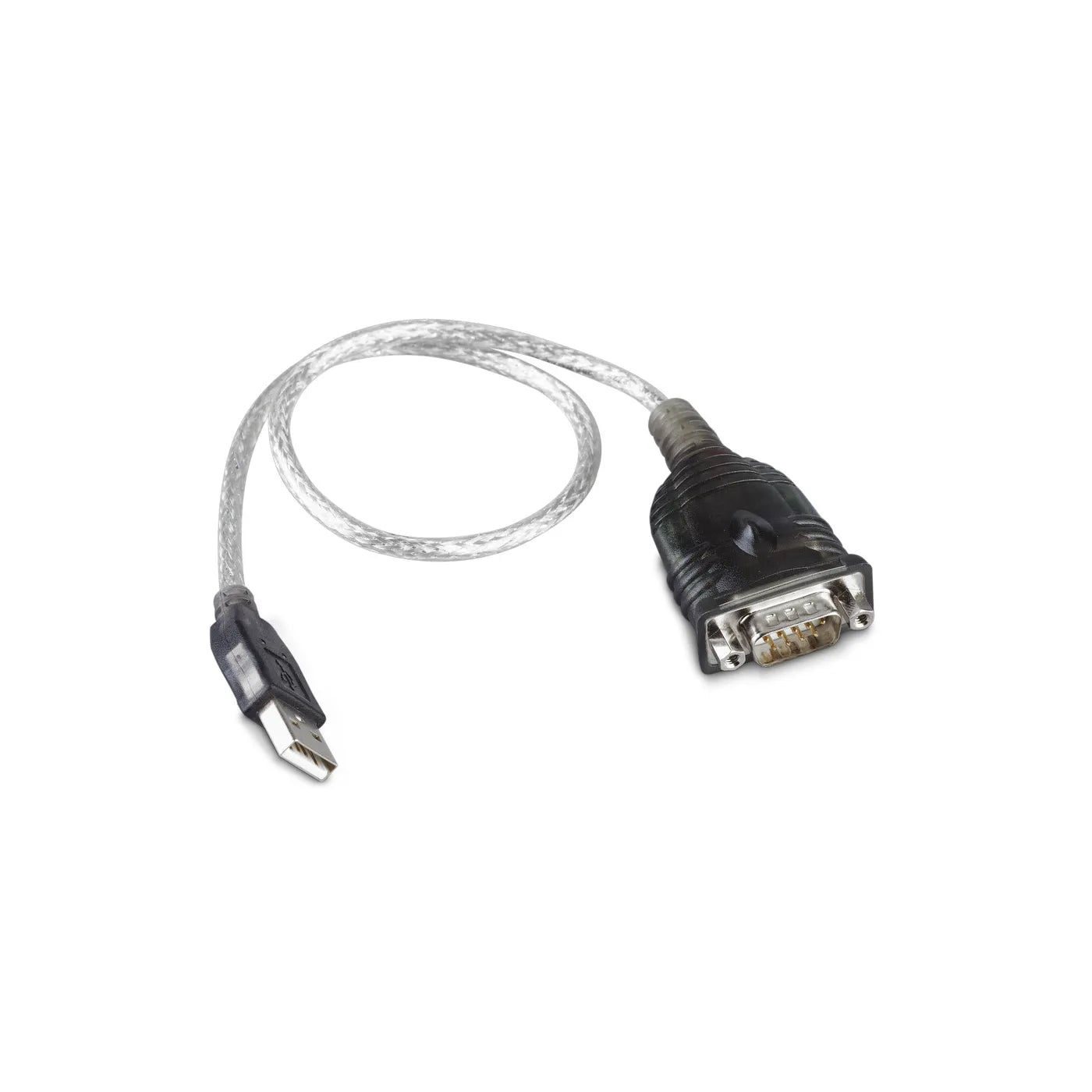
| VE.Direct to USB | USB interface | A VE.Direct device (MPPT, BMV) to a PC or GX | $30.60 |
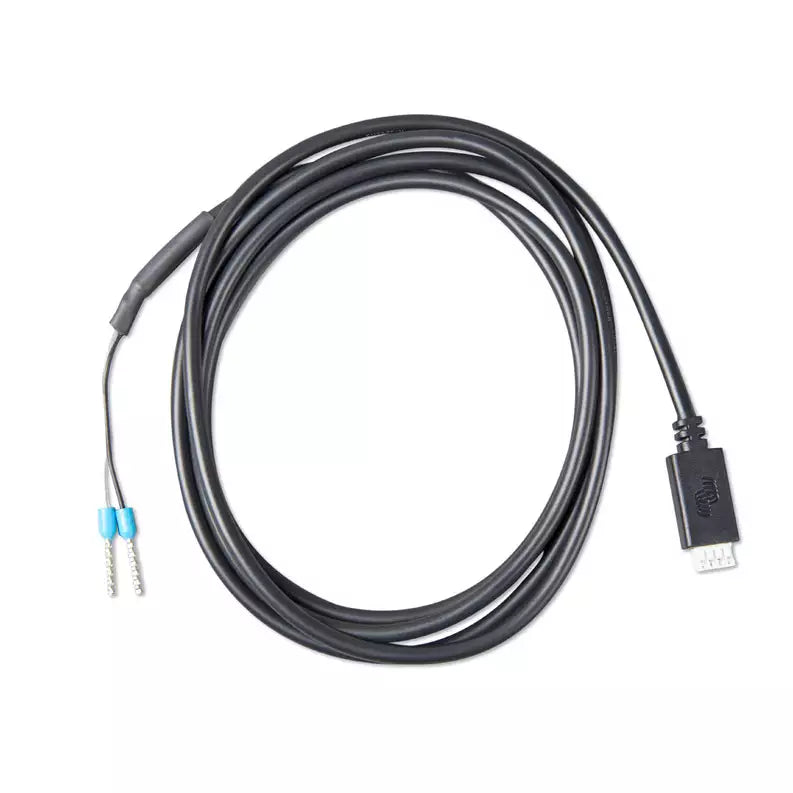
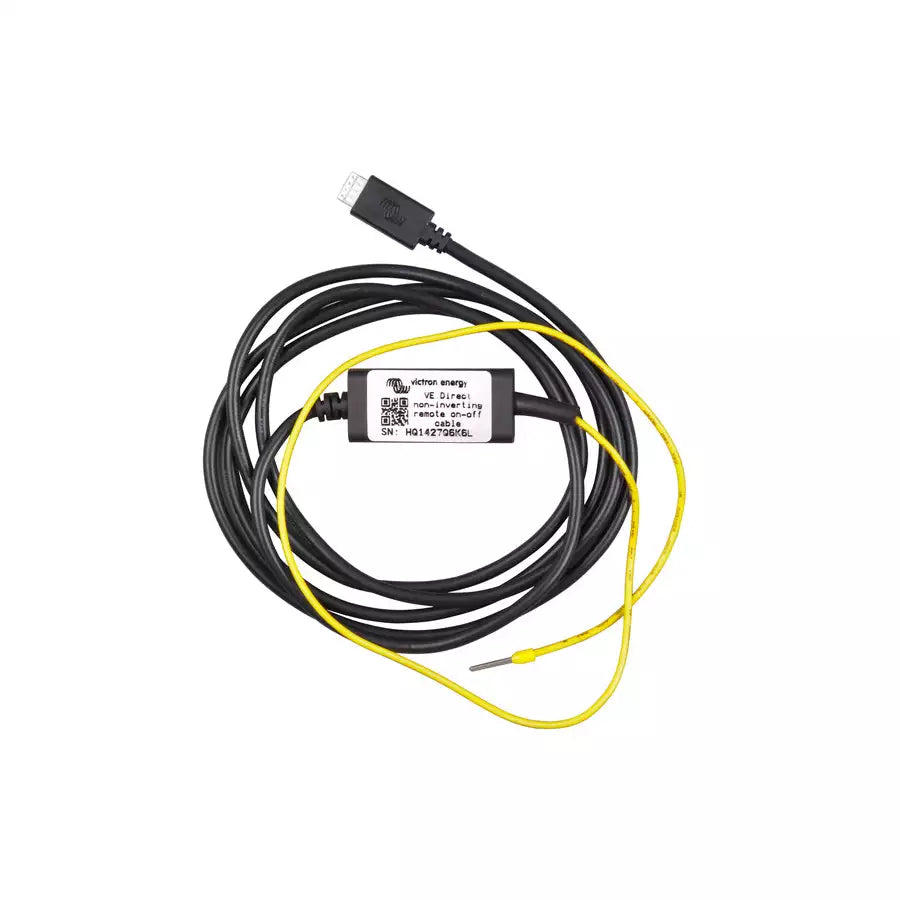
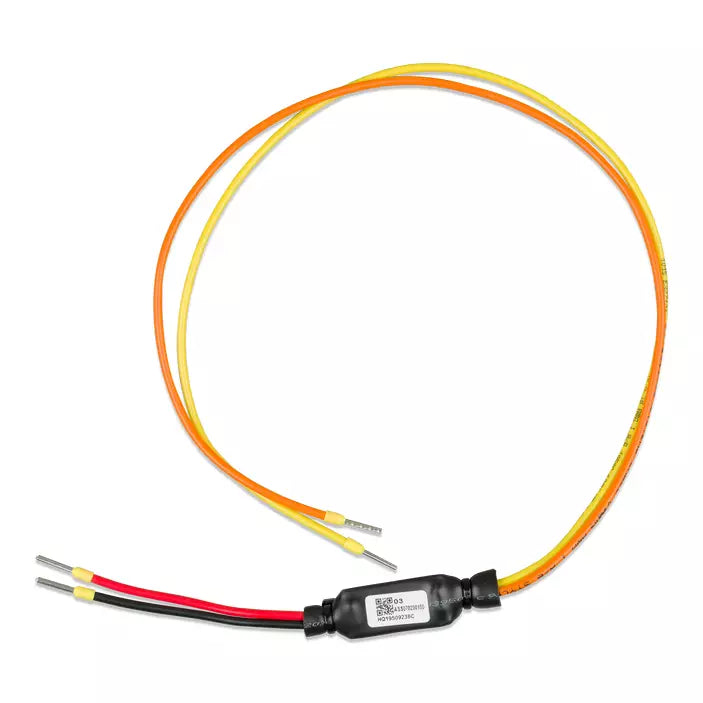
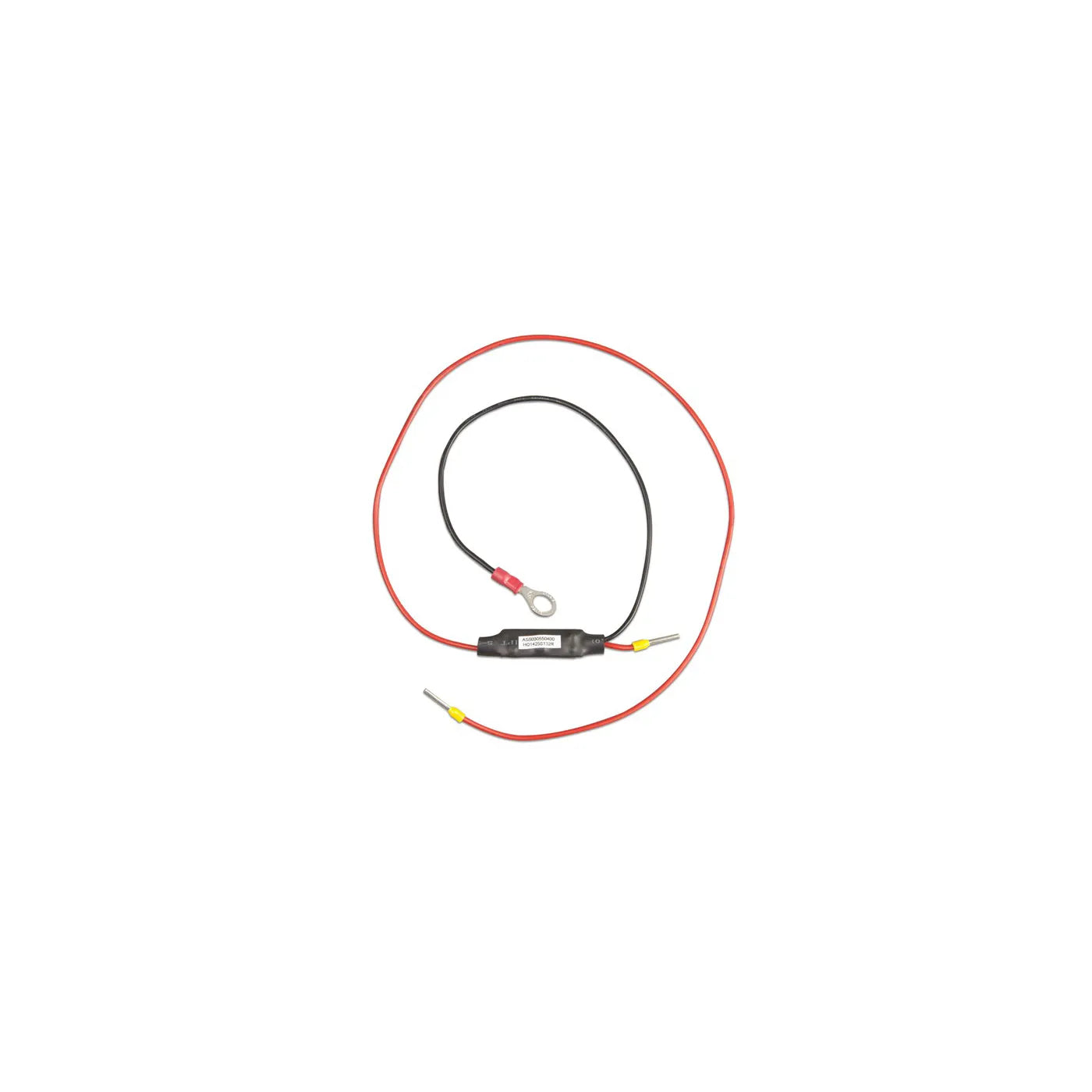
| VE.Direct Remote On/Off | Control | An MPPT on/off from a BMS or switch | $18.70 |
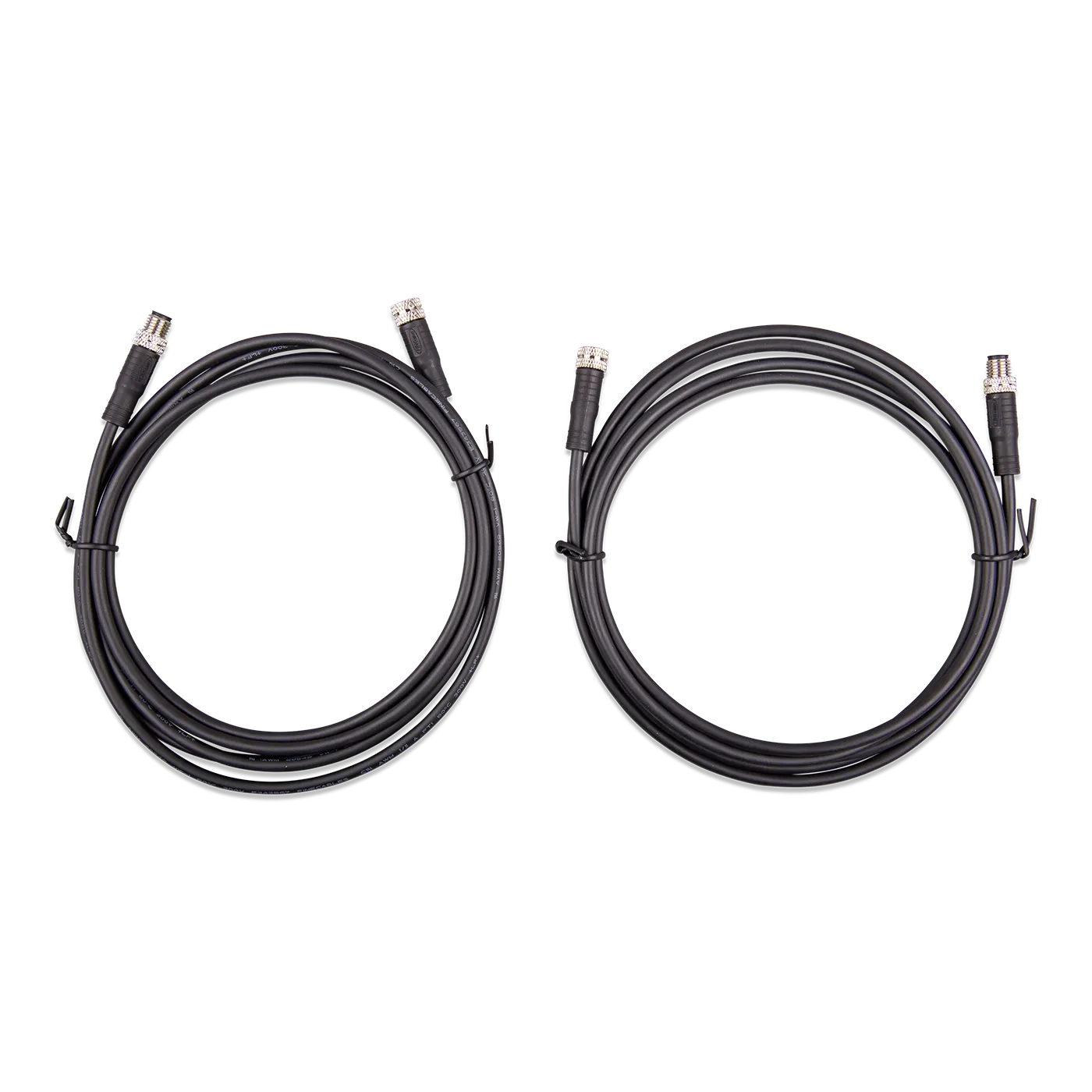
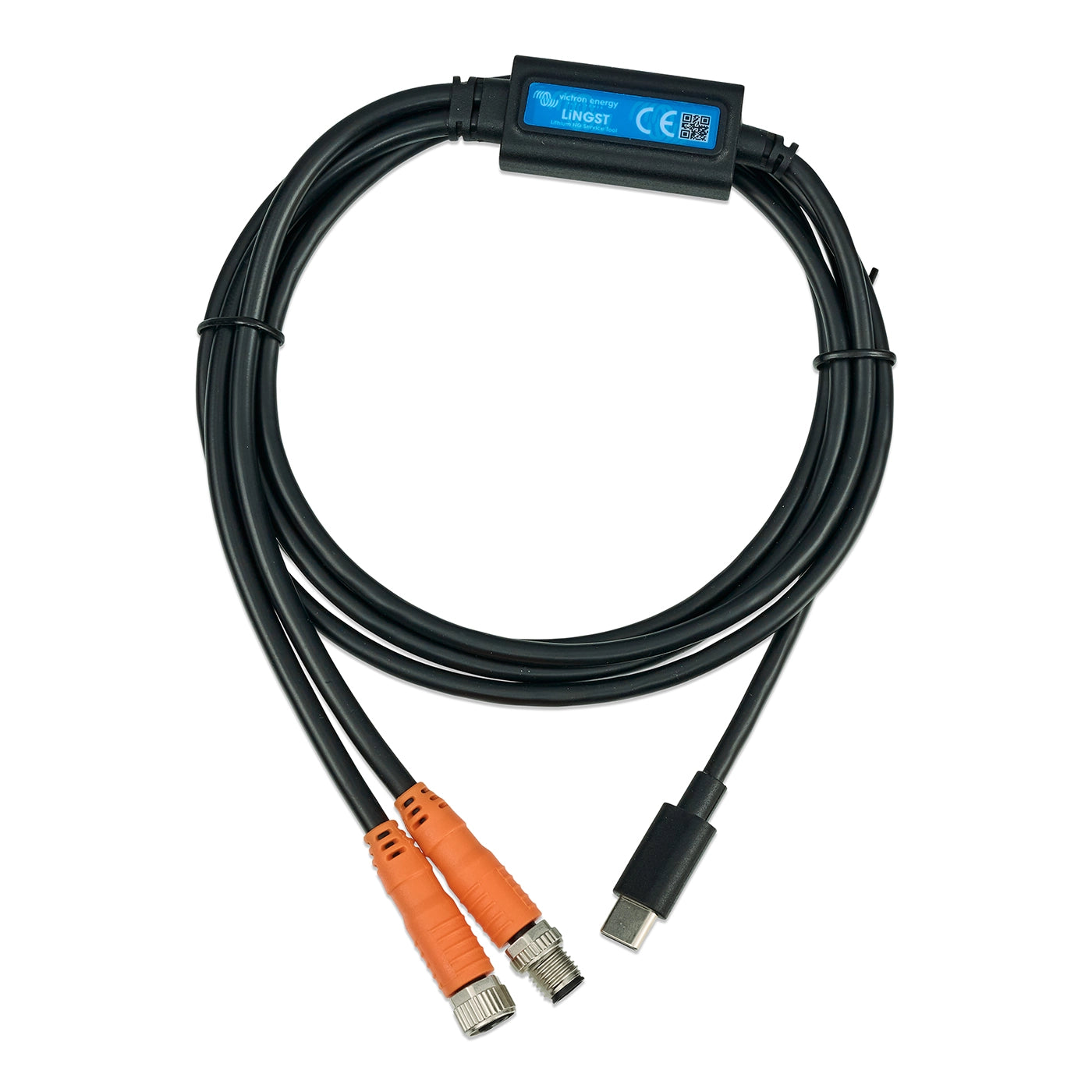
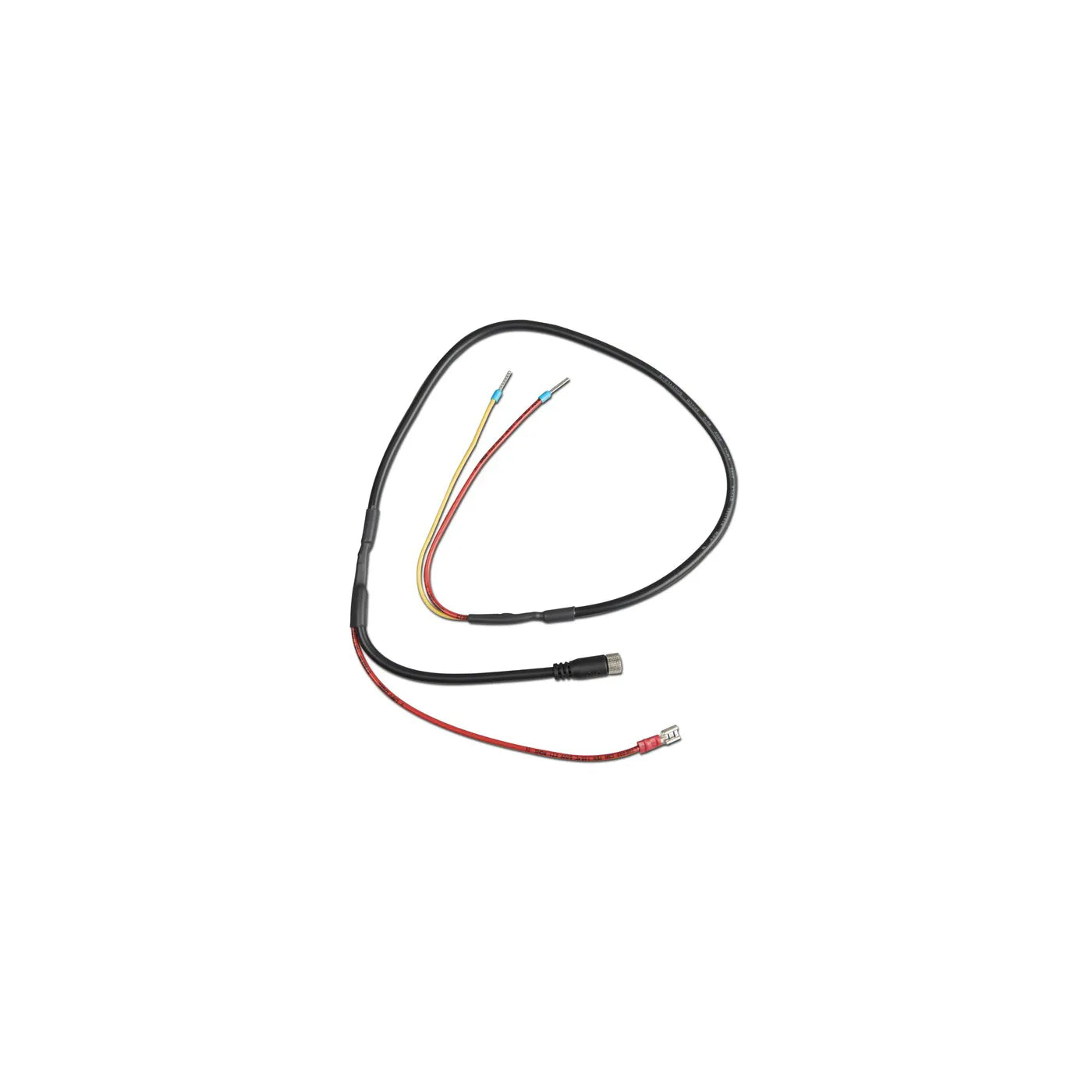
| M8 Connector Cable (2-pack) | Comms | Victron Smart Lithium battery BMS sensing | $47.60 |
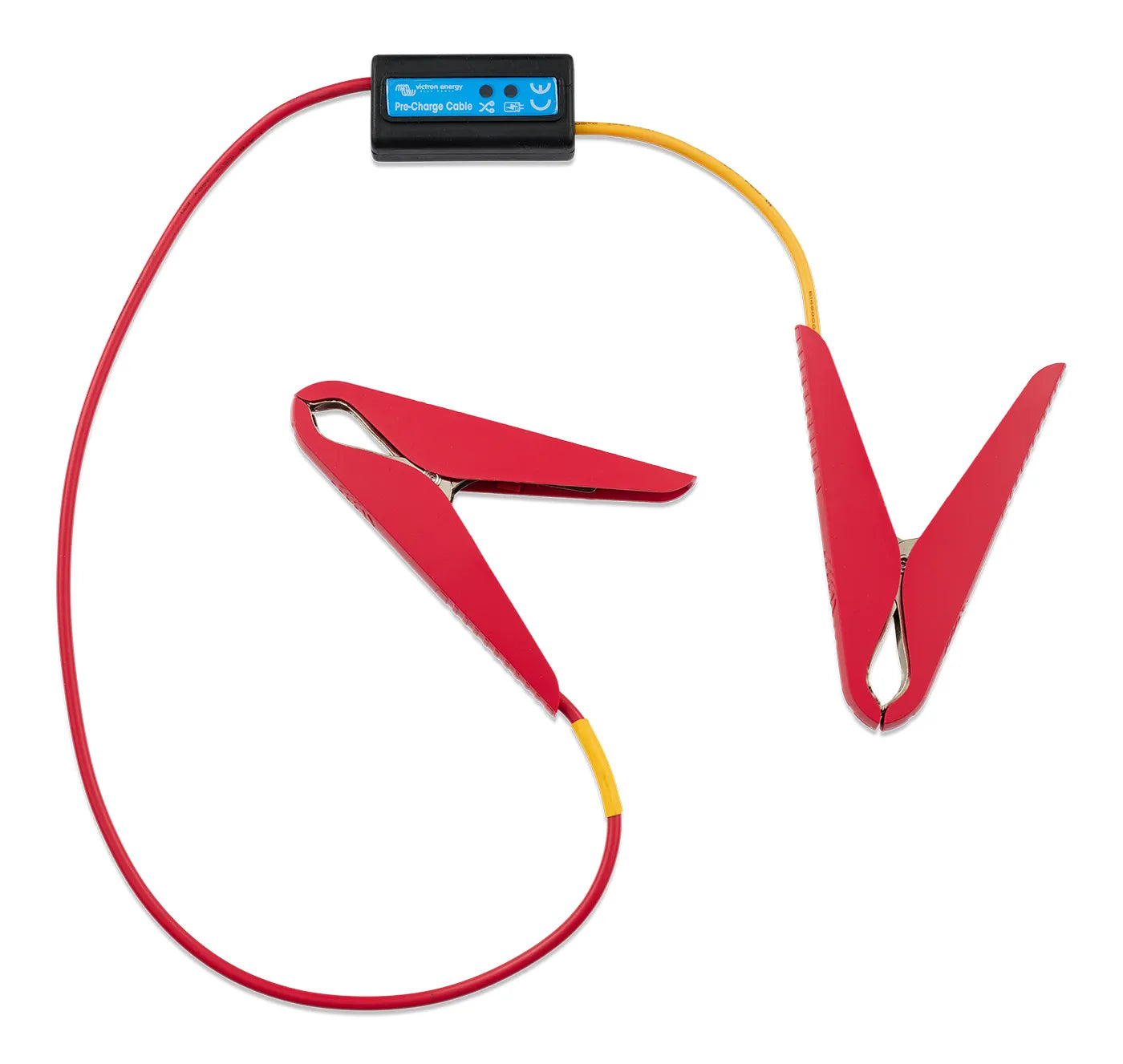
| Pre-Charge Cable | Power | Large DC systems — limits inrush on connect | $35.70 |
| VE.Can Power Cable | Power | Powers a standalone VE.Can network | $31.45 |
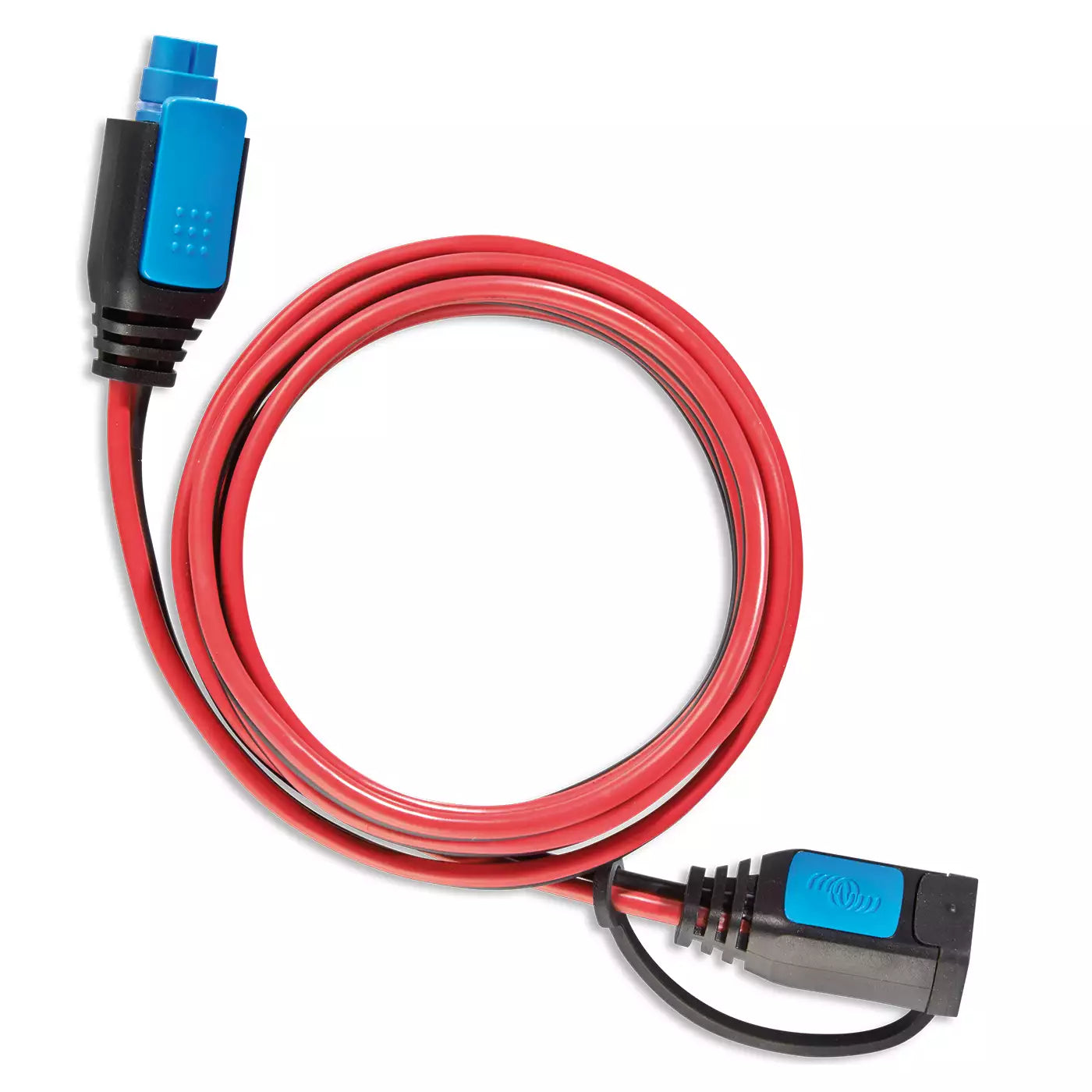
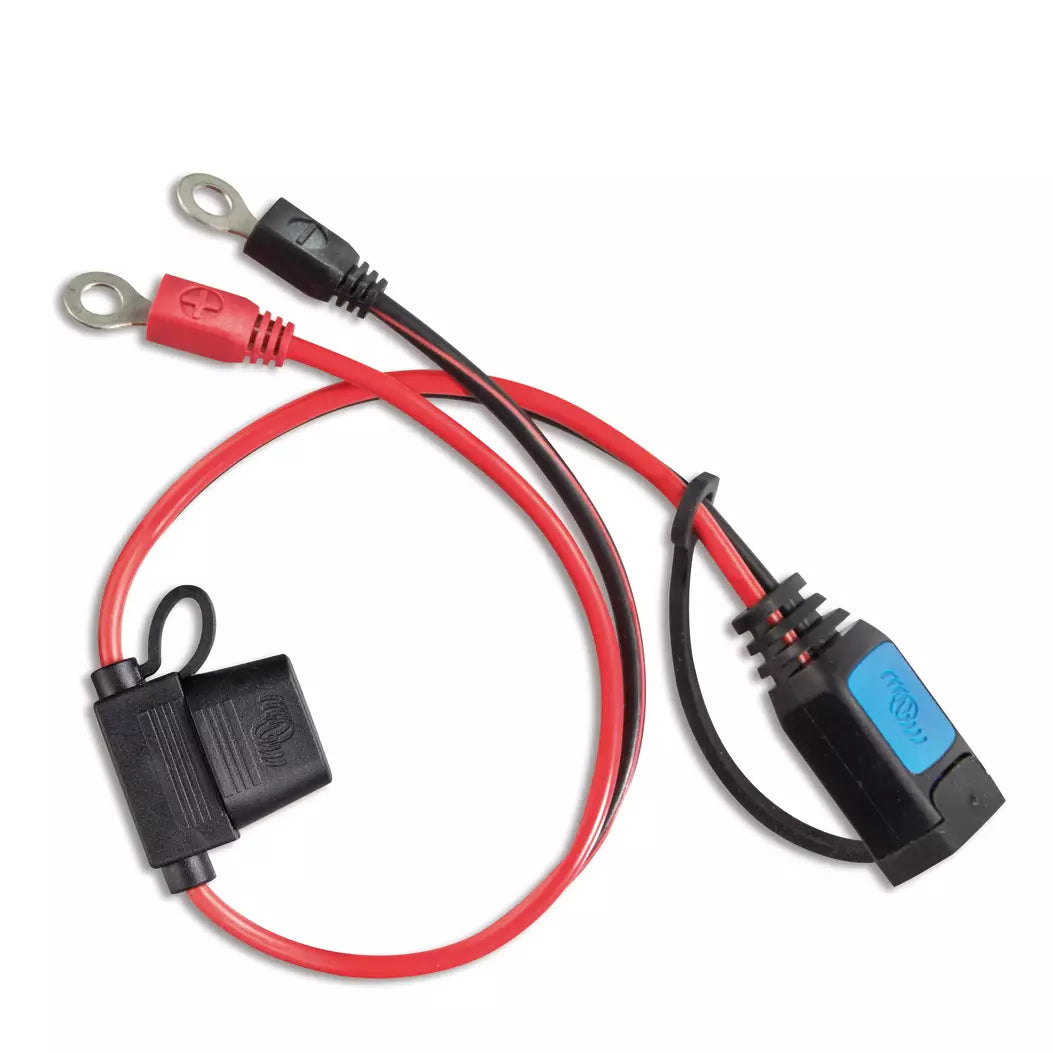
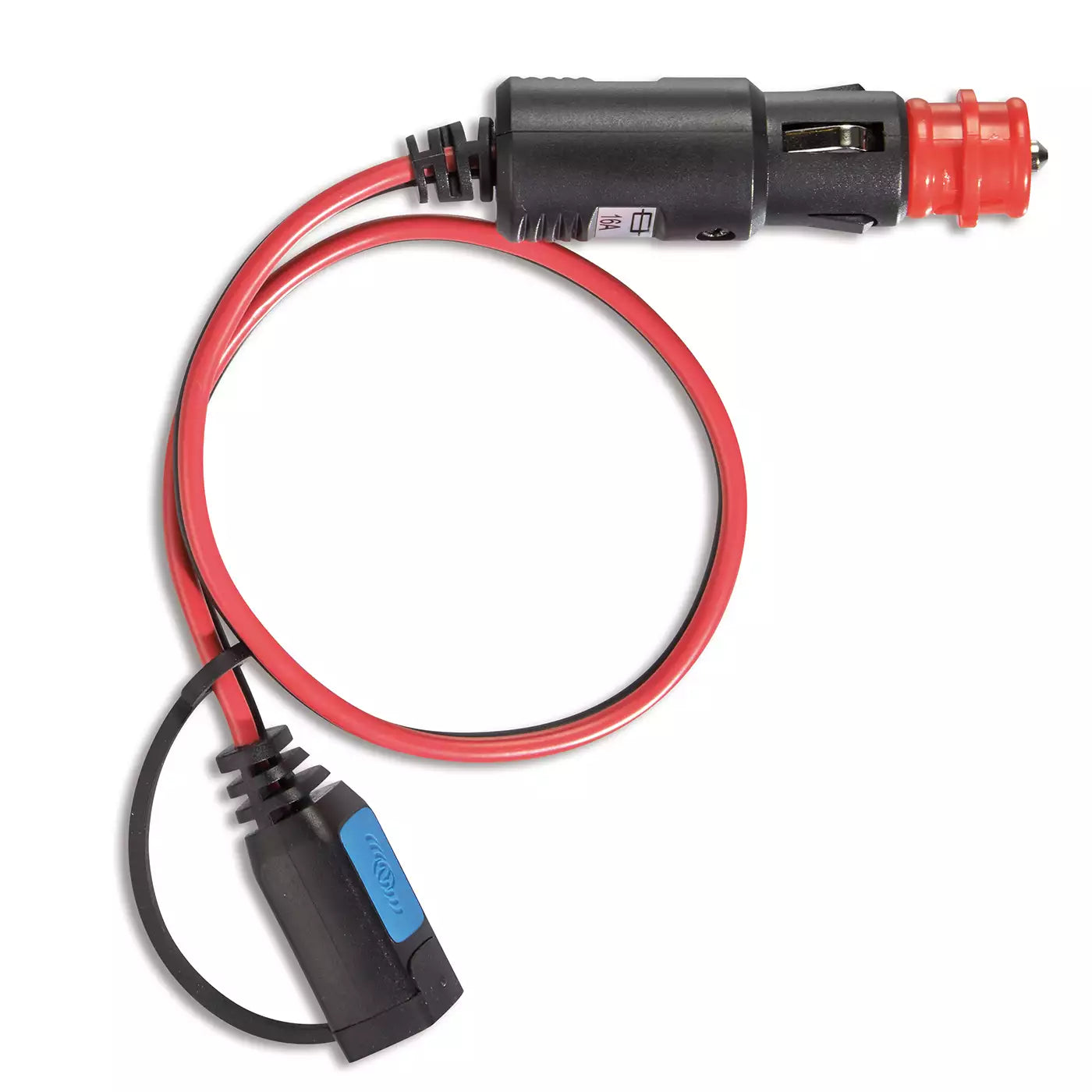
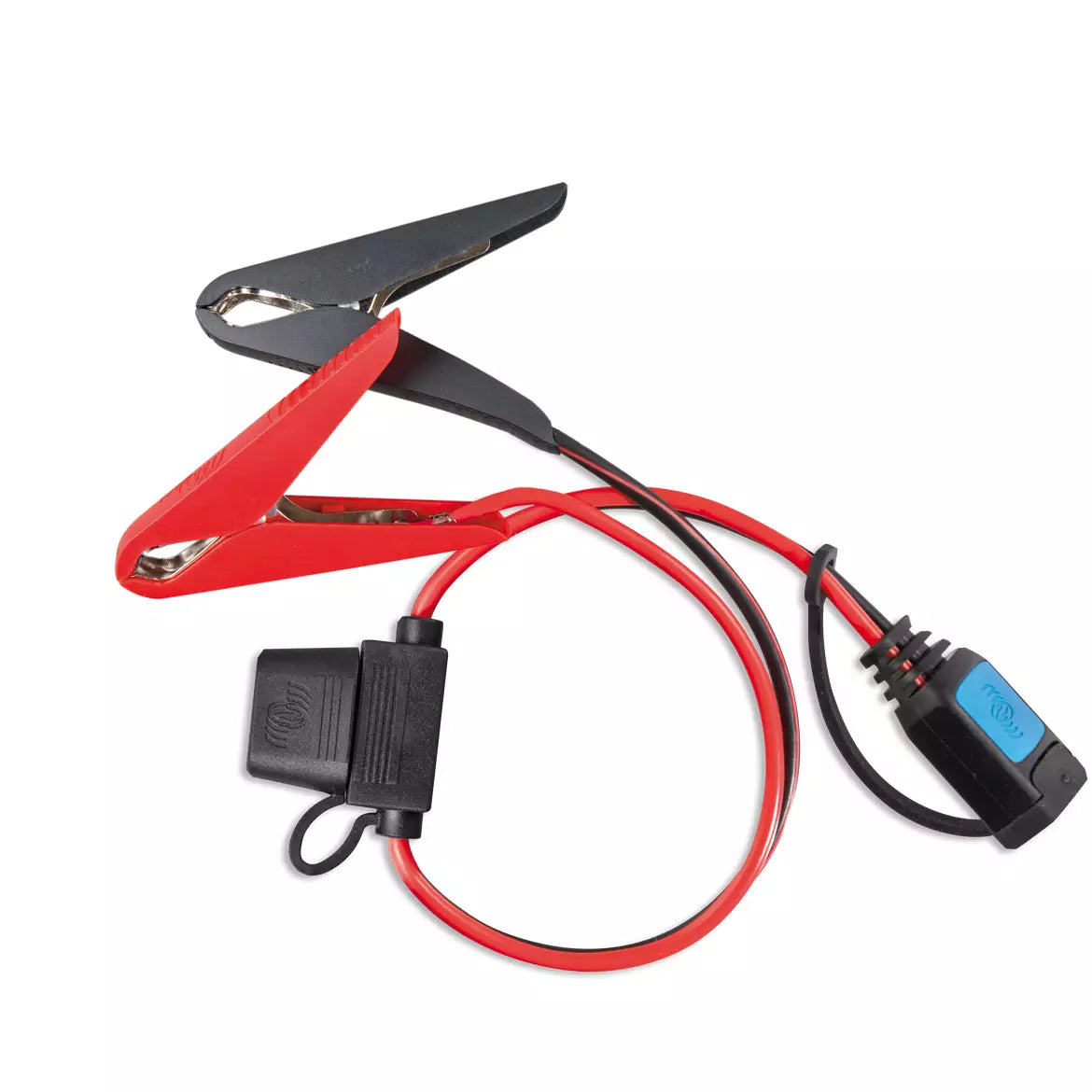
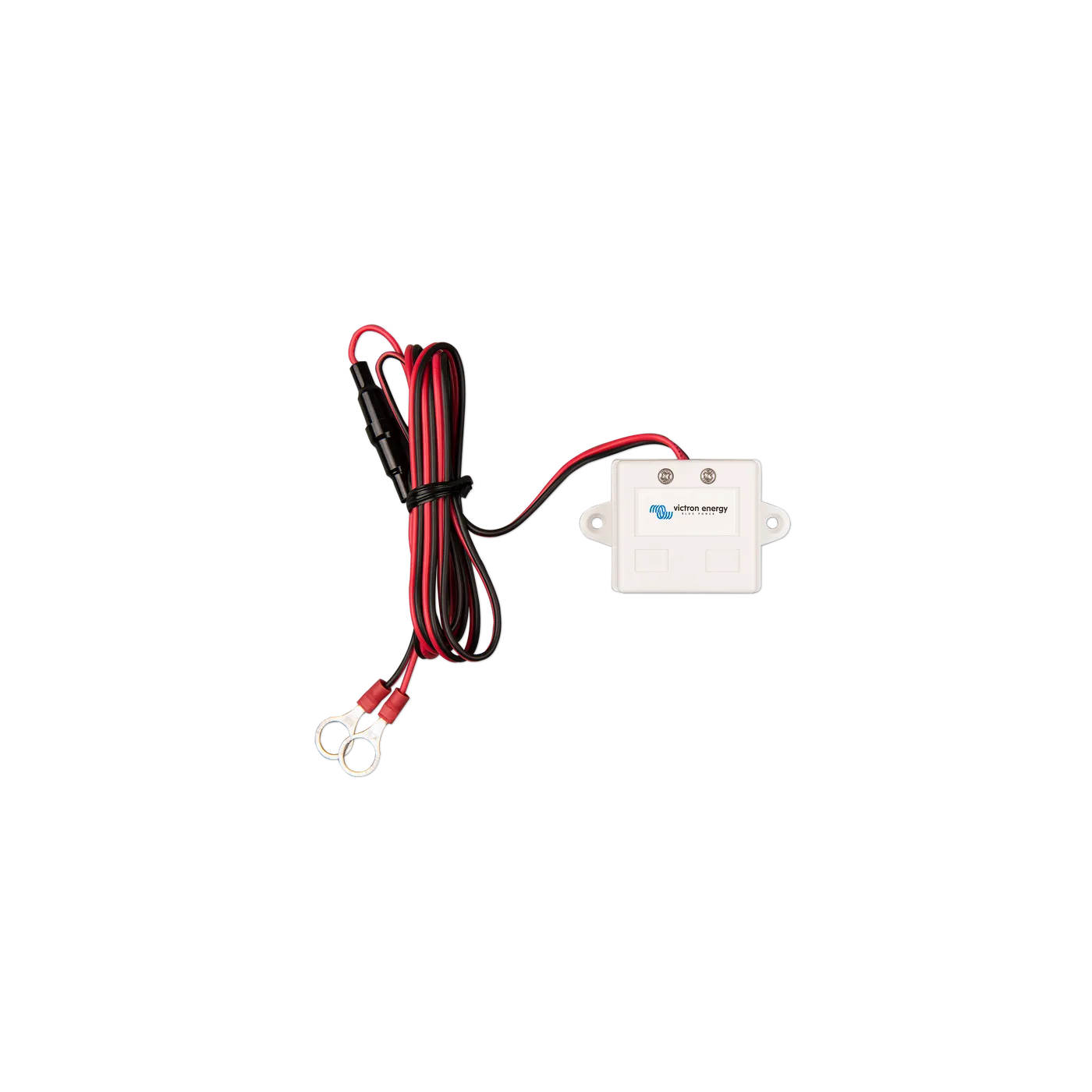
| DC Extension Cable | Charger lead | A Blue Smart IP65 charger to the battery | $14.45 |
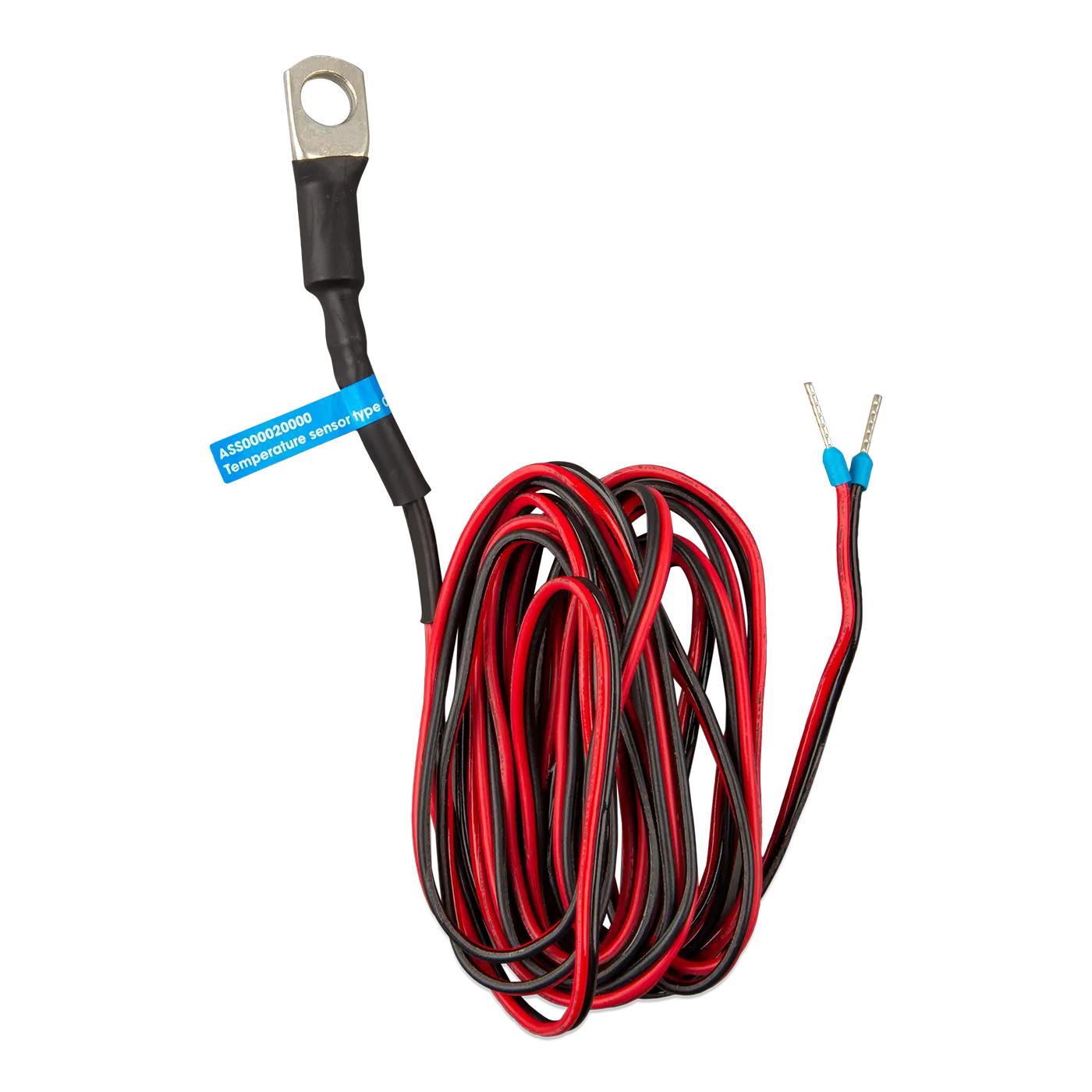
Also on this page: RS232 / USB converters, remote on/off and BMS control cables, temperature sensors, mains cords, and charger plugs. Looking for solar leads? See solar cables & accessories.
How to find the right cable
Match the connection type, know when you need a PC interface, and ask us about battery cables.
VE.Direct, VE.Bus, or VE.Can?
Victron uses three connection types and the cable has to match the port. VE.Direct is the little black plug on a single device — an MPPT or a BMV — running to a GX or screen. VE.Bus (RJ45) links inverter/chargers and the GX. VE.Can (RJ45) is the network between GX-class devices, and it needs a terminator at each end. Check the socket on your gear and grab the matching cable.
Setting one up on a computer?
Most day-to-day setup is just Bluetooth on your phone — no cable. When you do need a PC: configuring a MultiPlus or Quattro in VEConfigure takes the MK3-USB; reading or logging an MPPT or BMV on a computer takes the VE.Direct-to-USB.
What about battery and power cables?
We stock and ship the communication, interface, and solar cables here. For heavy battery cables, we'll help you get the gauge, length, and lugs right — but you or your installer source and make those up locally. Tell us your run and loads and we'll recommend the spec.
Why buy cables from Blue Marine
True Blue Victron distributor
We know which cable goes where — so you order the right one the first time, not a ticket queue later.
ABYC-certified advisors
We recommend the right battery-cable gauge and lugs for your run, and confirm the comms cables match your gear.
Free US shipping over $49
Fast shipping from Seattle and 60-day returns on non-lithium items.
Real people, real boats
Call (800) 628-6306 Mon–Sat — describe your setup and we'll name the cable.
Not sure which cable you need?
Tell us what you're connecting — the devices and the ports — and we'll name the exact cable, and recommend the gauge and lugs for any battery cables you make up.
Cables & connectors FAQ
VE.Direct, VE.Bus, and VE.Can — what's the difference?
They're Victron's three connection types. VE.Direct is a simple one-to-one link from a single device (MPPT, BMV) to a GX or display. VE.Bus (over RJ45) ties inverter/chargers together and to the GX. VE.Can (also RJ45) is the network bus between GX-class devices and needs a 120 Ω terminator at each end. Match the cable to the port on your equipment.
Which cable connects my MPPT or BMV to a screen?
A VE.Direct cable runs it to a Cerbo GX or GX Touch. To read or configure it on a computer instead, use the VE.Direct-to-USB interface. For everyday checks, the free VictronConnect app talks to most gear over Bluetooth with no cable at all.
How do I configure a MultiPlus or Quattro on my computer?
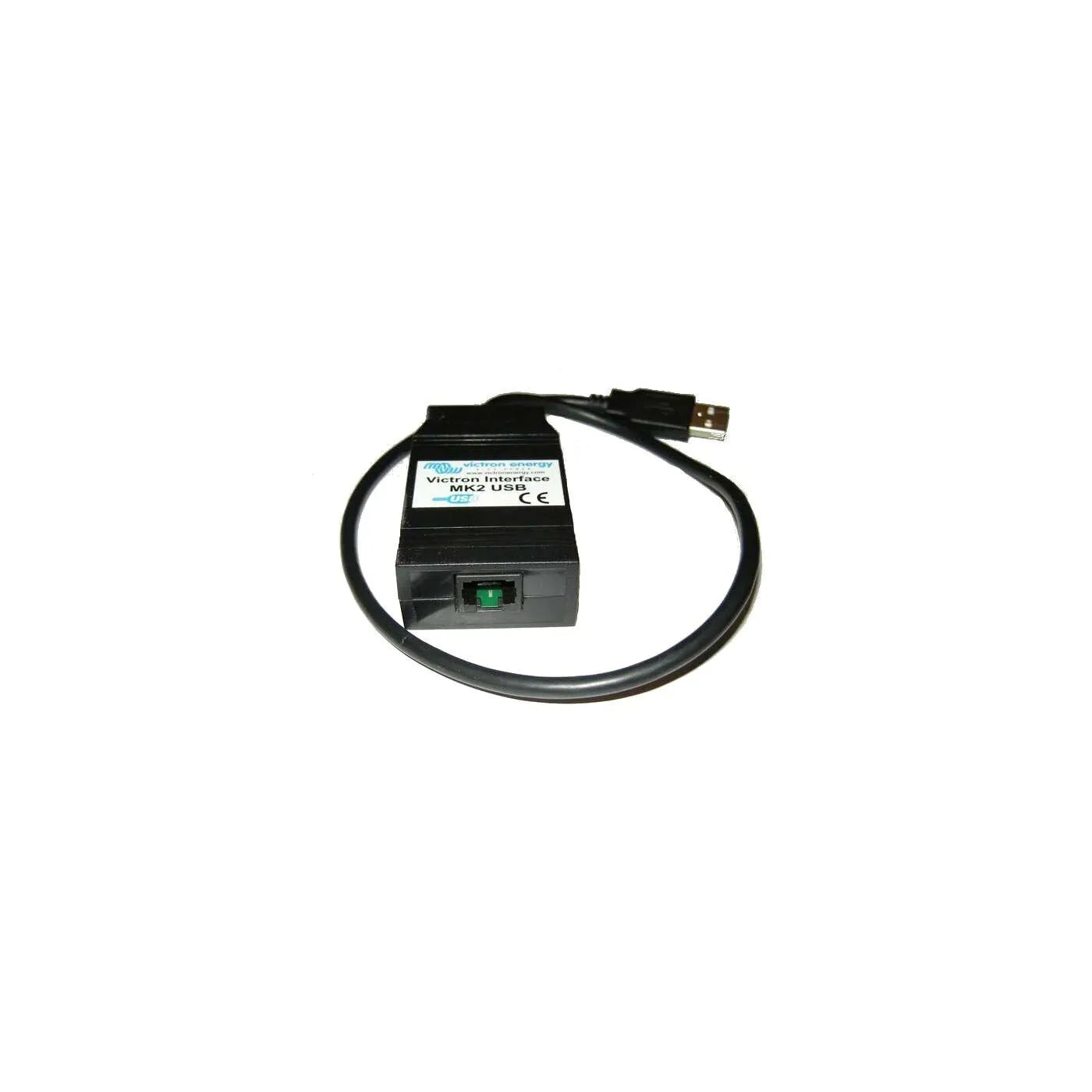
You need the MK3-USB interface between the unit's VE.Bus port and your PC, then Victron's VEConfigure software. It comes in USB-A and USB-C. The older MK2-USB is only for legacy Phoenix chargers.
Do I need VE.Can terminators?
Yes — a VE.Can network must be terminated at both ends with a 120 Ω terminator (sold in a bag of two). Leaving an end open causes flaky or dropped communication. Devices in the middle of the chain just pass through.
Can I connect my Victron system to a chartplotter (NMEA 2000)?
Yes — the VE.Can to NMEA 2000 Micro-C cable bridges a Victron VE.Can bus onto an NMEA 2000 backbone, so battery and system data can show up on a compatible MFD or chartplotter.
Do you sell battery cables and lugs?
We ship communication, interface, and solar cables. We don't make up heavy battery cables — but we'll help you size them (gauge, length, and lugs for your run and ABYC practice) so you or your installer can source and crimp them. Call us with your run and loads.
Can I just use a regular Ethernet cable for VE.Bus or VE.Can?
Use the Victron RJ45 UTP cables. They're straight-through with the pinout Victron expects; a random patch cable (especially a crossover) can prevent the system from communicating. The correct cable is inexpensive and saves a frustrating afternoon.