
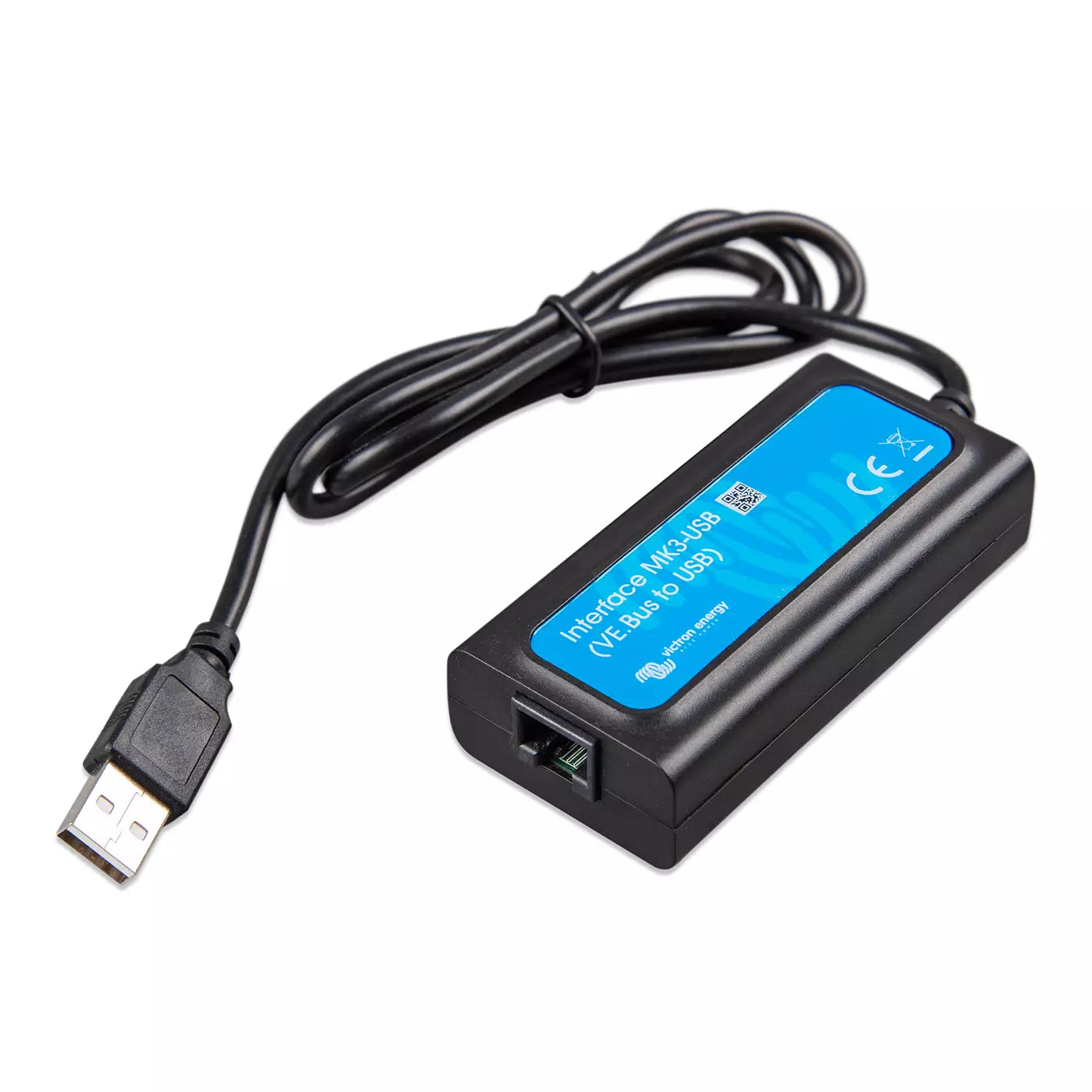
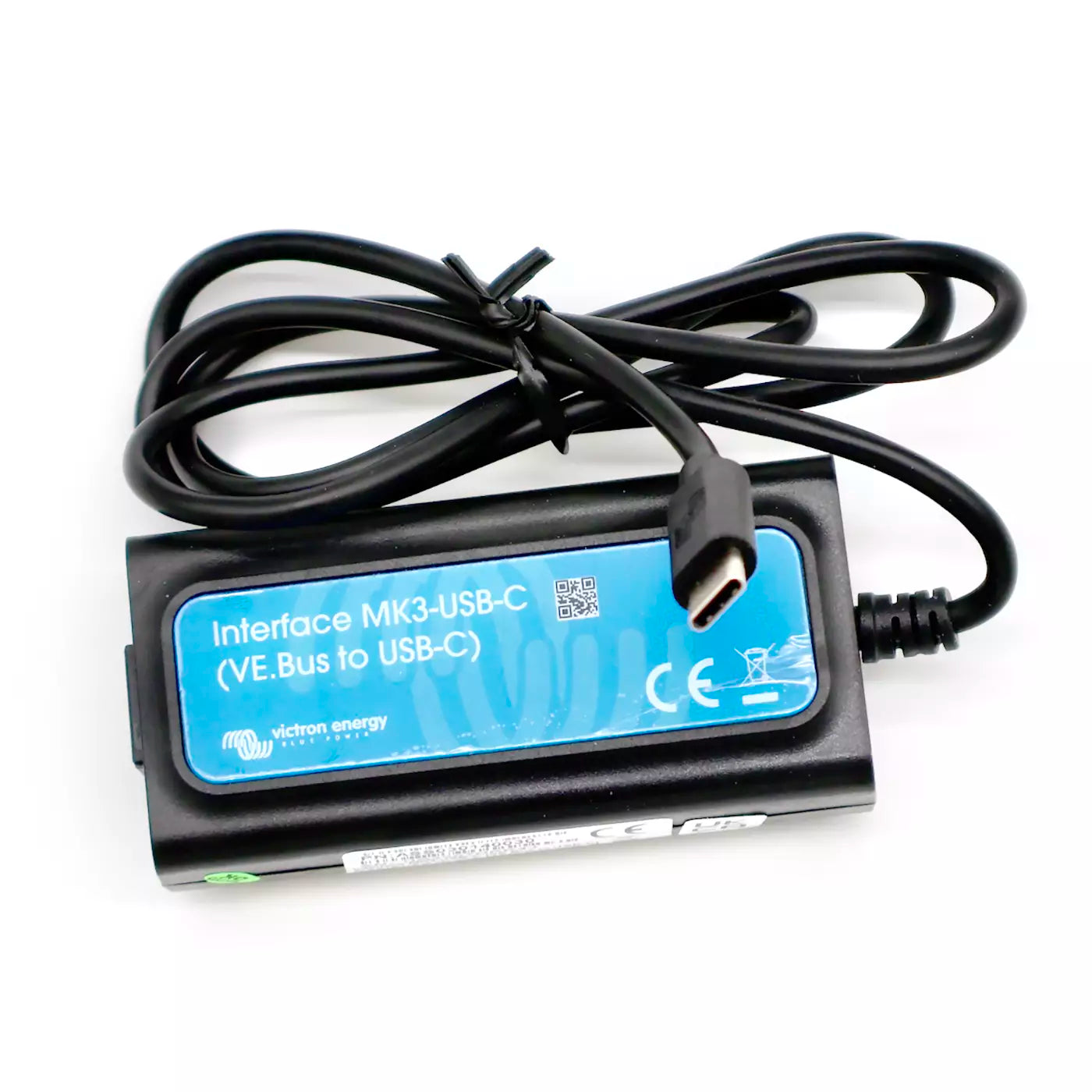

Victron Interface MK3-USB — USB-A or USB-C for VE.Bus
Los Angeles — · Atlanta —
Victron's US warehouse count as of —. Indicative, not reserved.
Need more than we have in Seattle? Send us the quantity and we'll email you a secure checkout link. Larger orders going to a business address ship direct from Victron's US warehouse (typically 5–7 business days); everything else we bring into Seattle on our weekly Victron order and ship to you when it lands (typically 1–2 weeks).
 Free shipping over $49
 60-day hassle-free returns
The tool that lets you configure a Victron inverter/charger from your laptop. Plug the MK3-USB into your computer's USB port and into the VE.Bus port on a MultiPlus-II, MultiPlus, Quattro, or other VE.Bus device, and you can read settings, write custom configurations, install assistants, and run firmware updates from VEConfigure or VictronConnect on your PC — everything the phone app can't reach.
- Works with every Victron VE.Bus inverter/charger — Multi, MultiPlus, MultiPlus-II, MultiGrid (EU), Quattro, ECOmulti, EasySolar, EasyPlus, VE.Bus BMS V2, and any Phoenix Inverter with a VE.Bus port.
- What you can actually do with it. Commission a single MultiPlus, MultiPlus-II, or Quattro for your install — set the battery chemistry and charge profile (lithium, AGM, gel, flooded), tune the AC input current limit to match a 15 / 30 / 50 A shore connection, configure PowerAssist and PowerControl, and adjust the auxiliary AC OUT-2 behavior. For more complex builds: set up two MultiPlus-IIs for 120/240V split-phase parallel; wire three units for three-phase; load custom assistants for generator auto-start, virtual-switch logic, or AC current sensors; configure grid-tie / ESS (anti-islanding) settings; adjust charge curves for non-standard battery banks; and flash firmware updates on any of the above.
- Required separately: an industrially manufactured RJ45 UTP cable. The MK3-USB plugs into the device's VE.Bus port via a standard RJ45 UTP cable (any length) — the cable doesn't ship with the interface. Victron specifically cautions against hand-crimped cables on the VE.Bus connection: they often fail even when they work fine for ordinary networking.
- The typical setup is a Windows PC or Mac. Pick USB-A for older laptops and docks; pick USB-C for modern laptops and MacBooks. Both run the full VEConfigure / VictronConnect software directly — that's how nearly every installer and most DIY owners configure their inverter/charger. Android phones and tablets work as an alternative with an additional OTG adapter (sourced separately). iOS (iPad/iPhone) is not supported for MK3-USB configuration.
- VictronConnect Bluetooth is the simpler alternative — but only for status, not configuration. A VE.Bus Smart Dongle pairs over Bluetooth and lets you read data, switch on/off/charger-only, and set the shore current limit. It cannot change settings or run firmware updates — that's what the MK3-USB is for. (And note: the older MK2-USB doesn't work with VictronConnect at all.)
Most installers carry one MK3-USB in their kit and reuse it across every customer system. For a single-system DIY install, you'll use it once during commissioning and then occasionally for firmware updates or tuning. Victron's VictronConnect configuration guide for VE.Bus products is the reference for every setting you can change once the MK3-USB is connected.
Configuring remotely? If your system already has a GX device on the internet, you can also use Victron's Remote VEConfigure feature through the VRM Portal — pull the config file from the inverter/charger over the internet, edit it locally in VEConfigure, and upload the new settings back. No physical MK3-USB connection required for that step. (You'll still want an MK3-USB on hand for the initial commissioning and for firmware updates, but Remote VEConfigure is the workflow most installers reach for once a system is in service and the customer is far from the warehouse.)
If you're not sure whether you need an MK3-USB for your specific configuration, book a system consultation and our ABYC-certified Advisors will walk through what your install actually requires. See the full cables and accessories collection for VE.Direct interfaces, RJ45 UTP cables, and other Victron comm products.
Why buy your Victron MK3-USB Interface from Blue Marine
- Authorized Victron Energy Distributor — full Victron line in stock.
- Free US shipping over $49 from our Seattle warehouse.
- 60-day hassle-free returns.
- Local pickup available in Seattle, WA.
- System sizing help from ABYC-certified Advisors at support@bluemarine.com or (800) 628-6306.
Manuals & Datasheets
Need a document you don't see here? Schedule a consultation or email support@bluemarine.com and we'll send it over.
Choose options

About Blue Marine
Nationwide Shipping from Our Warehouse in Seattle
Knowledgeable ABYC Certified advisors, friendly advice and fast shipping.