

Outfit boats, vans, or off-grid builds for a living? Van upfitters, RV shops, marine electricians, and solar installers get dealer pricing on Victron, Epoch & more. Get dealer pricing →
Which GX device or control panel do you need?
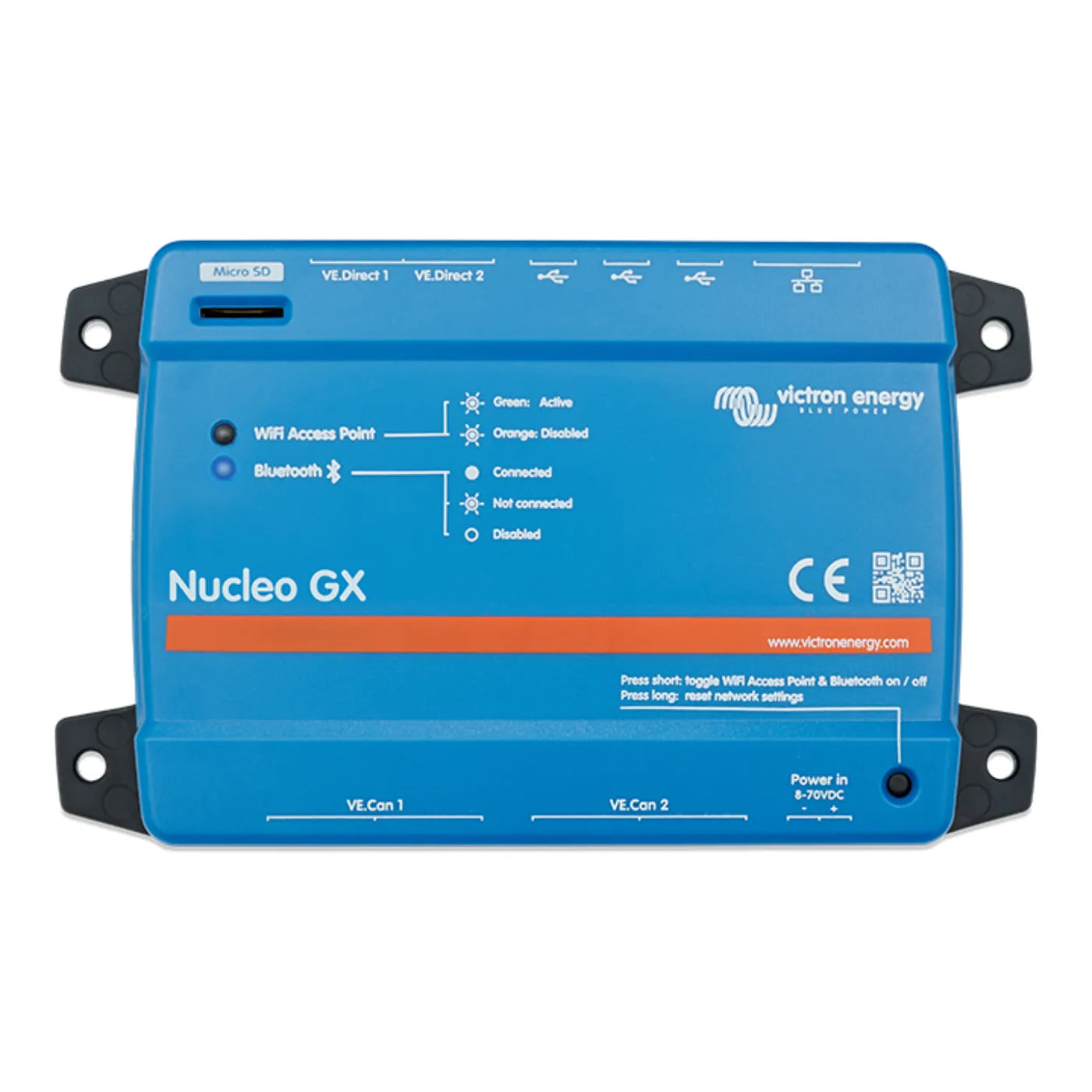
The GX device is the brain of a Victron system — it monitors everything, controls your inverter/charger and solar, and puts the whole setup online. Control panels handle the simpler jobs.
Swipe the table sideways to see every column →
| Device | What it is | Screen | Talks to | Best for | From |
|---|---|---|---|---|---|
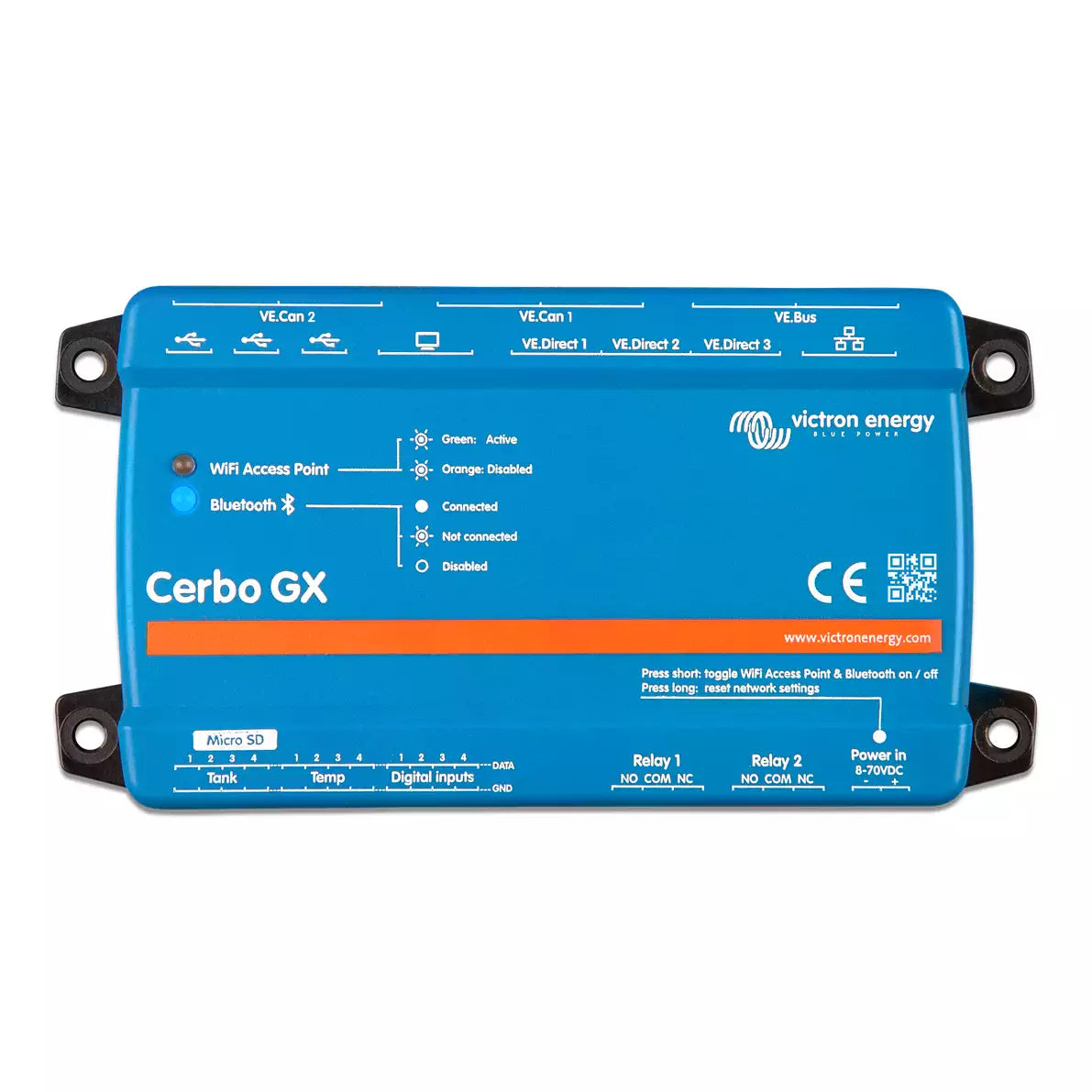
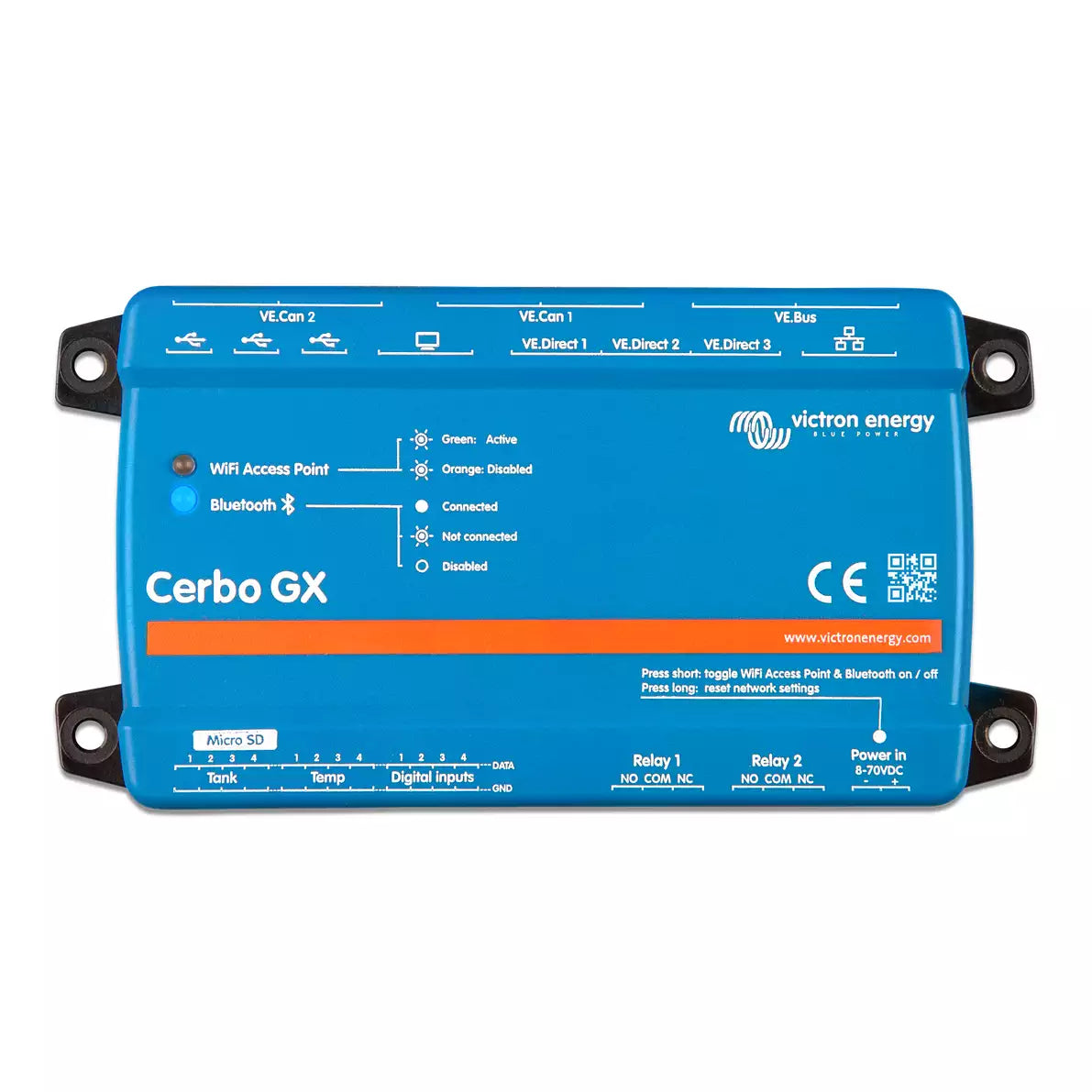
| Cerbo GX MK2 | The core GX system hub | No — use a phone or add a GX Touch | VE.Direct, VE.Can, VE.Bus, Wi-Fi/LAN, Bluetooth | The standard brain for most boat and RV builds | $209.35 |
| Ekrano GX | GX brain with a built-in 7″ touchscreen | Yes — integrated | VE.Direct, VE.Can, VE.Bus, Wi-Fi/LAN, Bluetooth | One-box monitor + control with a screen built in | $619.65 |
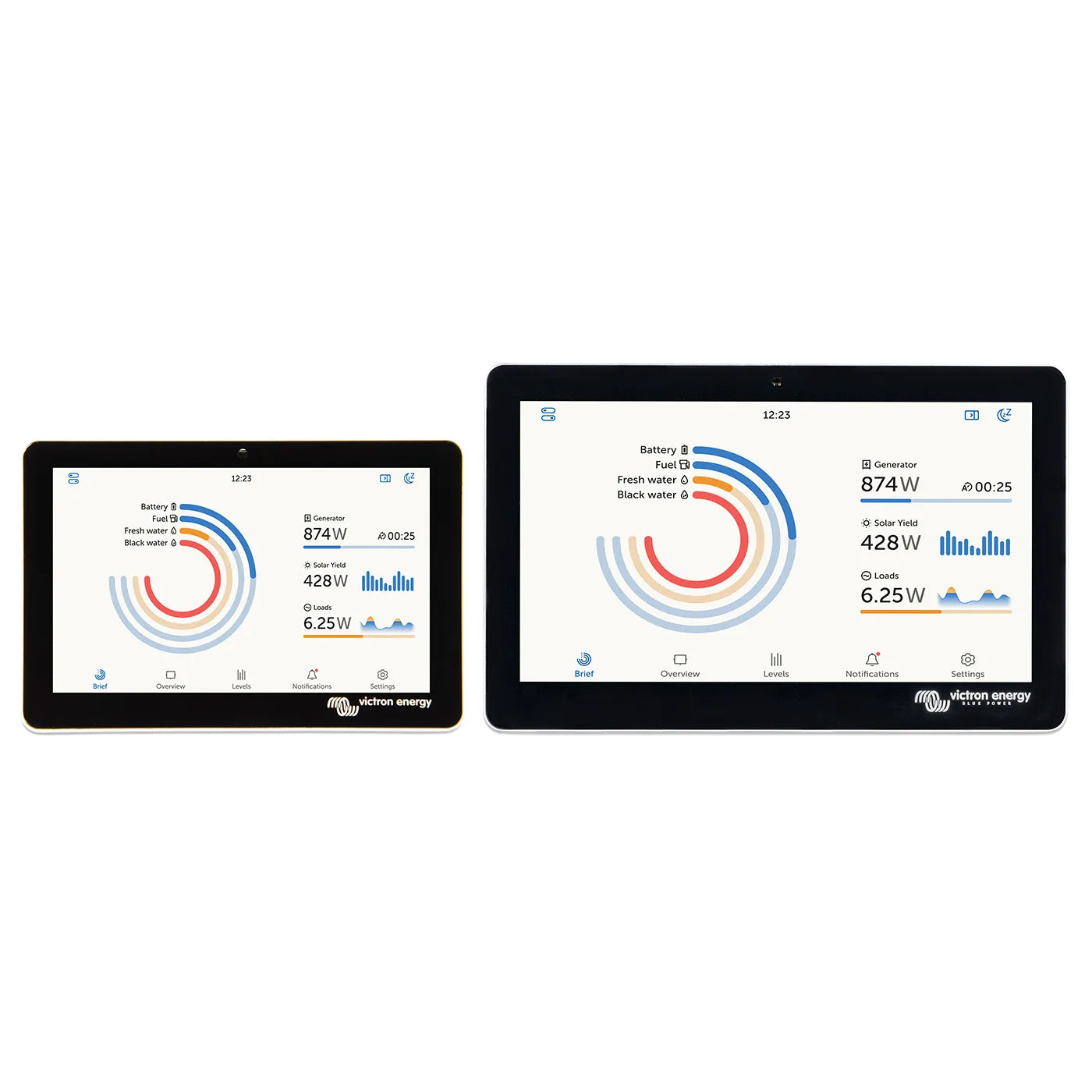
| GX Touch Display | Add-on touchscreen for a Cerbo GX | 5″ or 7″, wall or flush mount | Plugs into a Cerbo GX | Adding a dashboard screen to a Cerbo | $204.15 |
| Digital Multi Control 200/200A | Simple VE.Bus remote panel | Dial + LEDs | VE.Bus (MultiPlus / Quattro) | On/off and shore-current limit without a full GX | $103.36 |
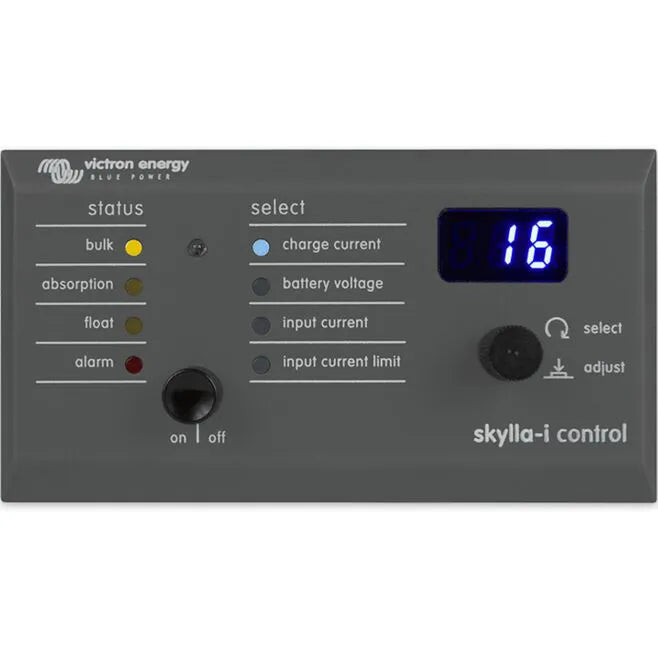
| Skylla-i Control GX | Control panel for Skylla-i chargers | Status display | Skylla-i charger | Monitoring and control of a Skylla-i charger | $143.65 |
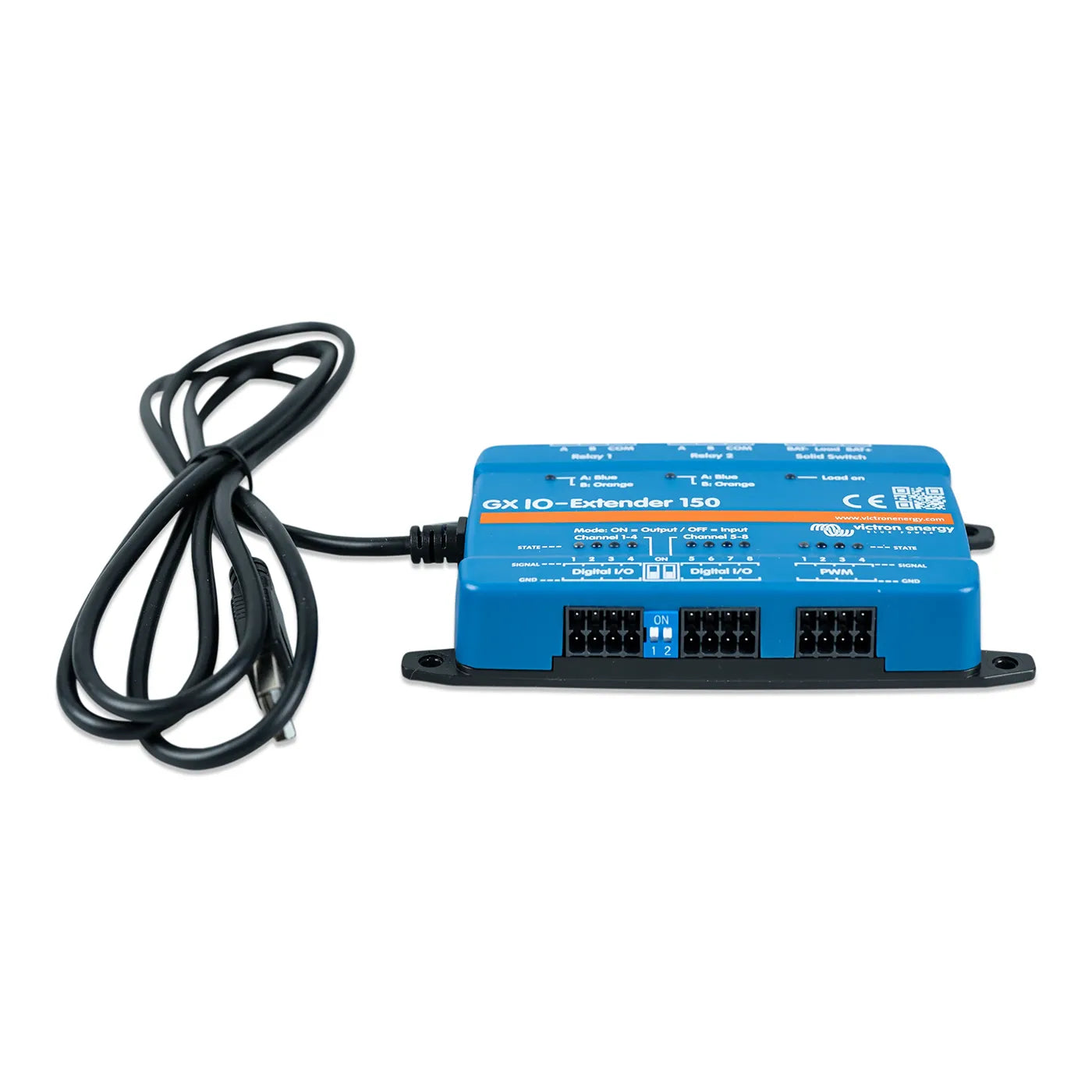
| GX IO-Extender 150 | Adds extra inputs/outputs to a GX | — | Connects to a Cerbo / Ekrano GX | Larger systems needing more I/O channels | $124.95 |
Looking for battery gauges and shunts instead? See battery monitors and our wider panels & monitoring range. A GX device ties those, your inverter/charger, and your solar controllers together on one screen.
How to choose, in three questions
Screen or phone, what you're connecting, and whether you even need a GX — answer these and the choice is clear.
Do you want a built-in screen, or your phone?
A Cerbo GX runs headless — you watch it from the VictronConnect app or the free VRM portal on any device. Prefer a permanent dashboard at the helm or panel? The Ekrano GX has a 7″ touchscreen built in, or add a GX Touch display to a Cerbo.
What are you connecting?
Victron gear talks over three buses: VE.Direct (MPPT solar controllers, SmartShunt), VE.Can (larger MPPTs, Lynx), and VE.Bus (MultiPlus / Quattro inverter-chargers). A GX device speaks all three, brings the data together, and shares it online via VRM.
Do you actually need a GX device?
Not always. A MultiPlus or Quattro can run on its own, and a Digital Multi Control panel adds simple on/off and a shore-current dial. Add a GX when you want full-system monitoring, remote access from anywhere, generator auto-start, or data logging.
Why buy your GX system from Blue Marine
True Blue Victron distributor
Warranty and setup support handled by us, not a ticket queue — and we know the VRM and networking side cold.
ABYC-certified advisors
We map out which GX, displays, and cables your system needs so the parts arrive ready to connect.
Free US shipping over $49
Fast shipping from Seattle and 60-day returns on non-lithium items.
Real people, real boats
Call (800) 628-6306 Mon–Sat — we set up monitoring for real boats and rigs.
Not sure which GX fits your build?
Tell us what you're running — inverter/charger, solar, batteries — and whether you want a screen. We'll spec the GX, display, and cables so it all talks on day one.
GX & monitoring FAQ
What does a GX device actually do?
It's the communication and monitoring hub of a Victron system. It reads your inverter/charger, solar controllers, battery monitor, and tanks, shows it all on one screen, lets you control and configure connected gear, and shares everything online through Victron's free VRM portal so you can check in from anywhere.
Cerbo GX or Ekrano GX — which should I pick?
They're the same brain; the difference is the screen. The Cerbo GX is compact and headless — you view it on your phone, a GX Touch display, or VRM. The Ekrano GX builds a 7″ touchscreen right into the unit, so it's a tidy one-box choice when you want a permanent display at the helm or power panel.
Do I even need a GX device?
Not for every build. A MultiPlus or Quattro runs fine on its own, and a Digital Multi Control panel covers basic on/off and shore-current limiting. Add a GX when you want whole-system monitoring, remote VRM access, generator auto-start, data logging, or you're running solar, batteries, and an inverter/charger you'd like to see together.
What's VRM?
VRM (Victron Remote Management) is Victron's free online portal. With a GX device connected to the internet, you can monitor your system, see history and alerts, and adjust settings from a phone or browser anywhere in the world.
GX Touch 50 or 70, wall or flush mount?
The 50 is a 5″ screen and the 70 is a 7″ screen — pick by how much dash space you have and viewing distance. Wall-mount sits on the surface; flush-mount drops into a cut-out for a clean panel finish. All of them pair with a Cerbo GX.
How is the Digital Multi Control different from a GX?
The Digital Multi Control is a simple VE.Bus panel — it gives you on/off, “charger only” mode, and a dial to set the shore-power current limit for a MultiPlus or Quattro. It doesn't monitor solar or batteries or go online. A GX device does all of that; the two can also be used together.
Does a GX device work with non-Victron equipment?
It's built around the Victron ecosystem and works best there. It can read many third-party batteries with compatible BMS communication, and advanced users can pull data in or out via Modbus TCP and Node-RED. If you have specific gear in mind, ask us first and we'll confirm what's supported.