

Victron Cerbo GX MK3
Los Angeles — · Atlanta —
Victron's US warehouse count as of —. Indicative, not reserved.
Need more than we have in Seattle? Send us the quantity and we'll email you a secure checkout link. Larger orders going to a business address ship direct from Victron's US warehouse (typically 5–7 business days); everything else we bring into Seattle on our weekly Victron order and ship to you when it lands (typically 1–2 weeks).
 Free shipping over $49
 60-day hassle-free returns
Overview
The Cerbo GX MK3 is the brain of a Victron power system. It pulls every battery, inverter, charger, MPPT, tank sensor, and temperature probe into one live dashboard — viewable on a screen at the helm or in the coach, on your phone via the free VictronConnect app, or from anywhere in the world through the Victron Remote Management (VRM) portal. Whether you're parked at a remote site, at anchor, or back home checking on a cabin, the Cerbo GX gives you a clear picture of what your system is doing and the controls to adjust it.
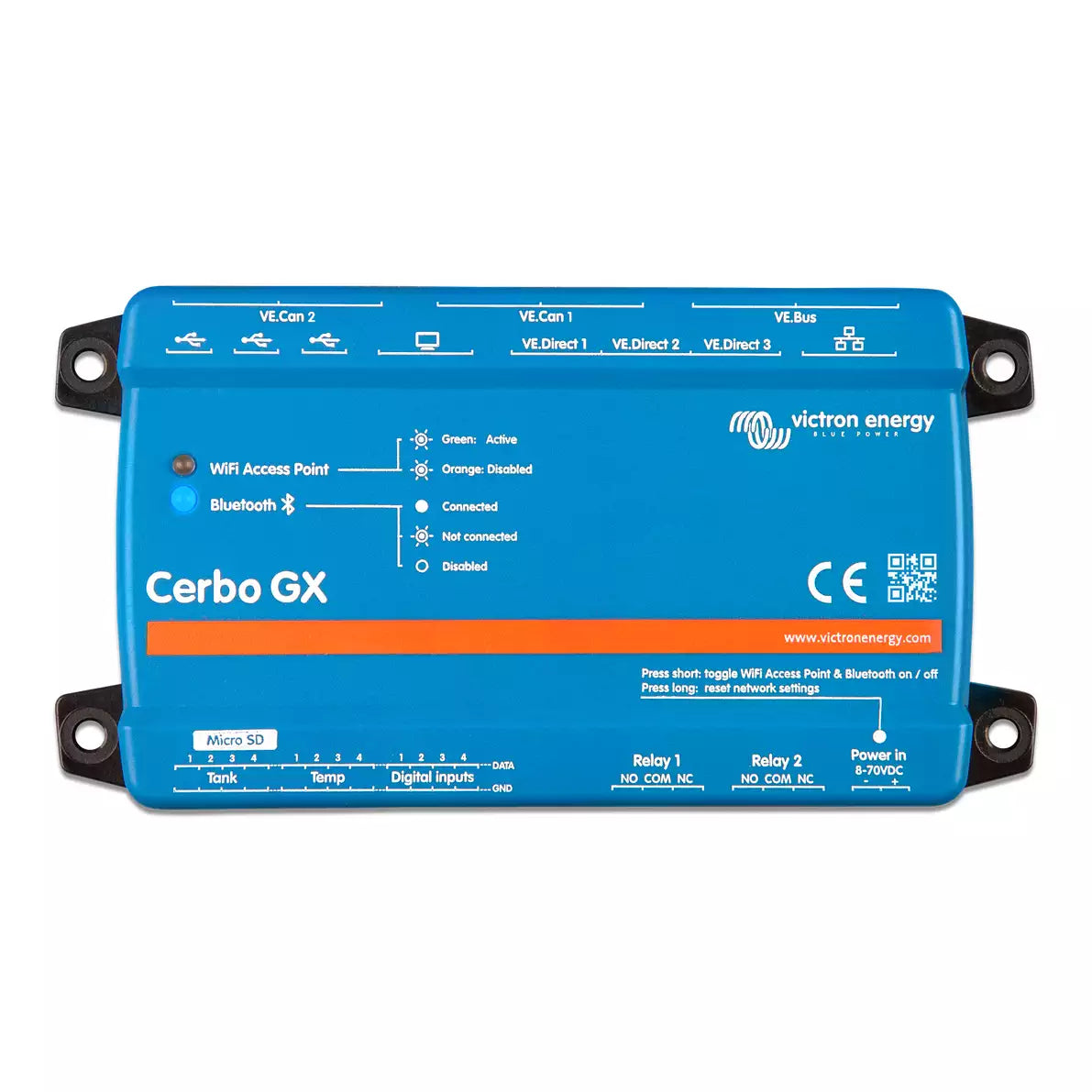
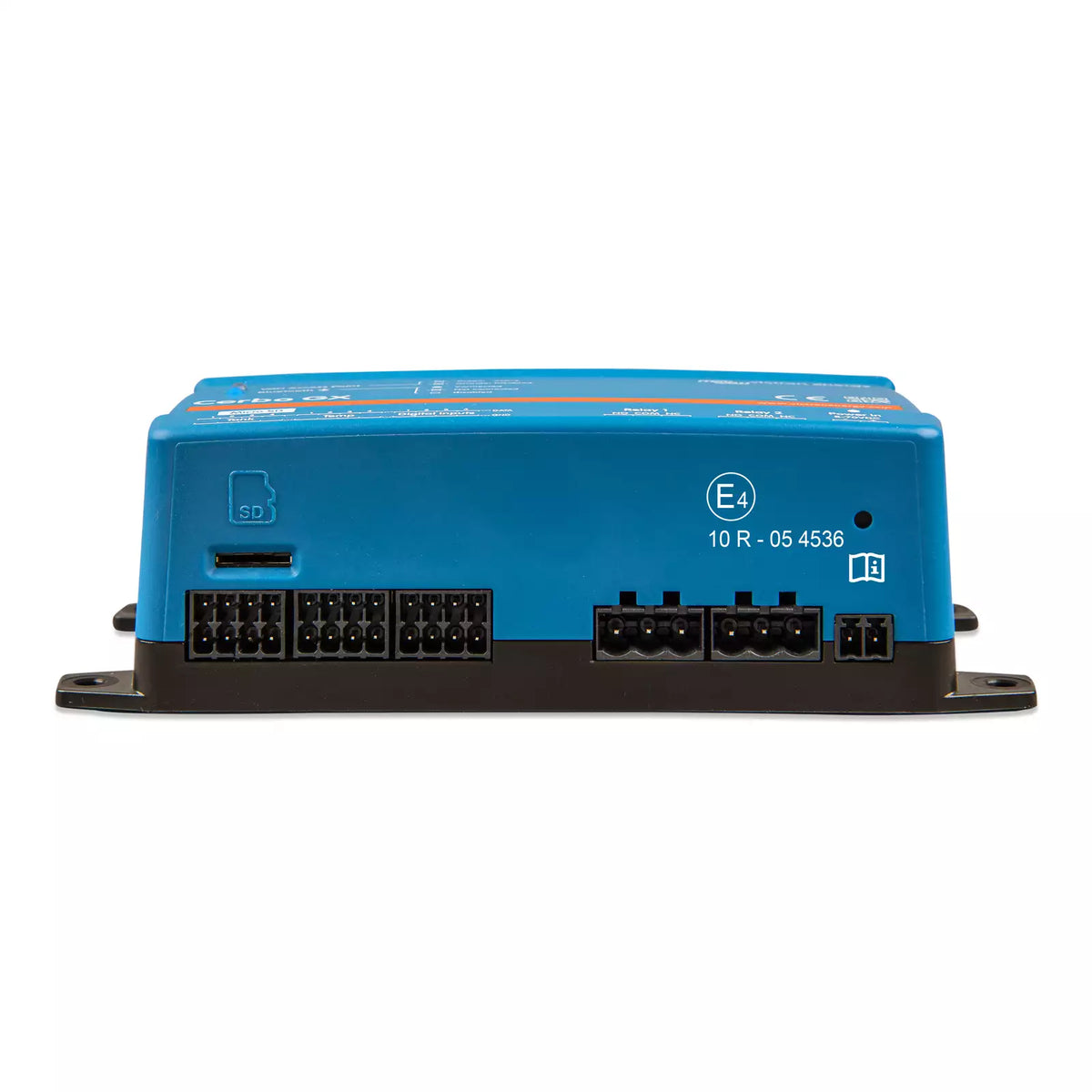
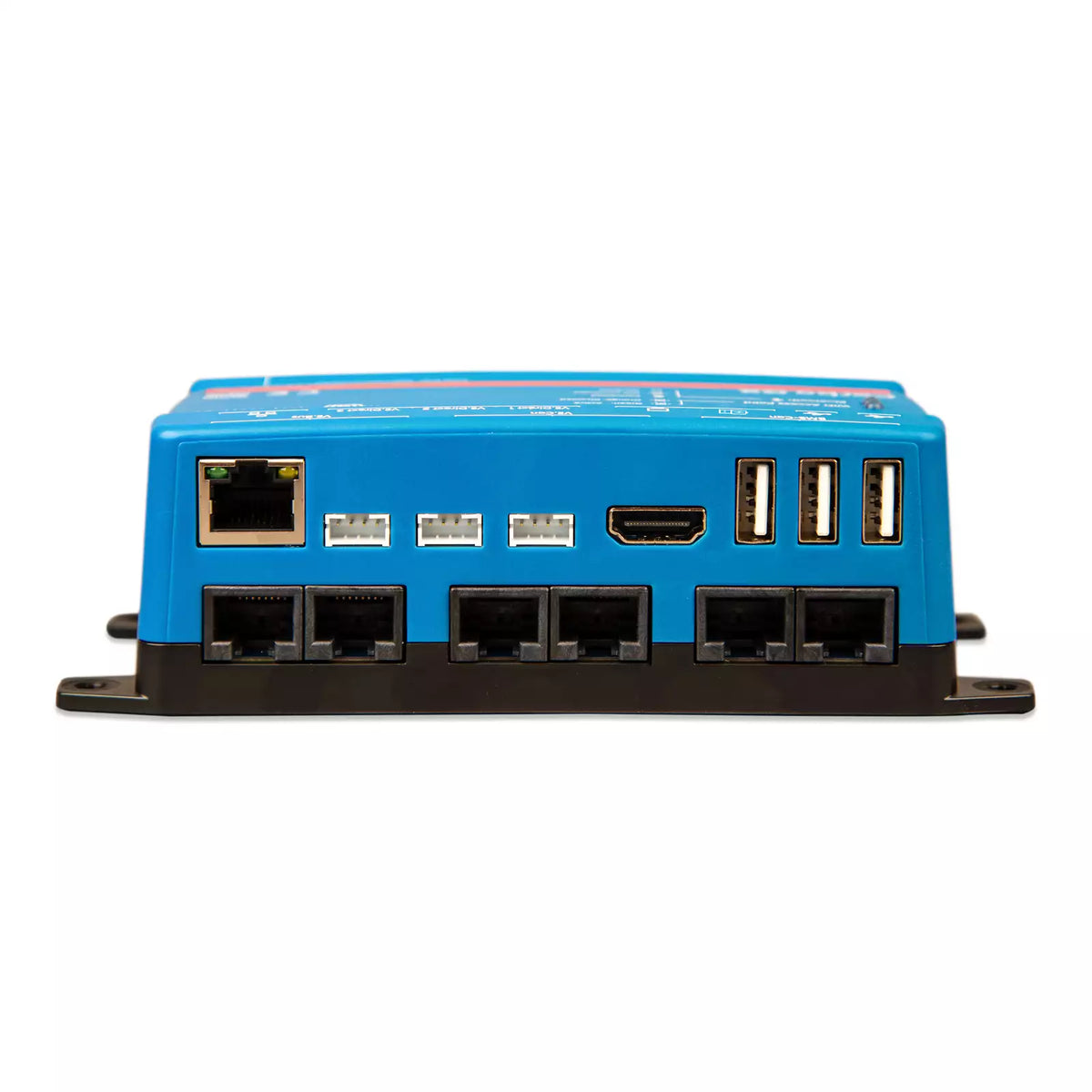
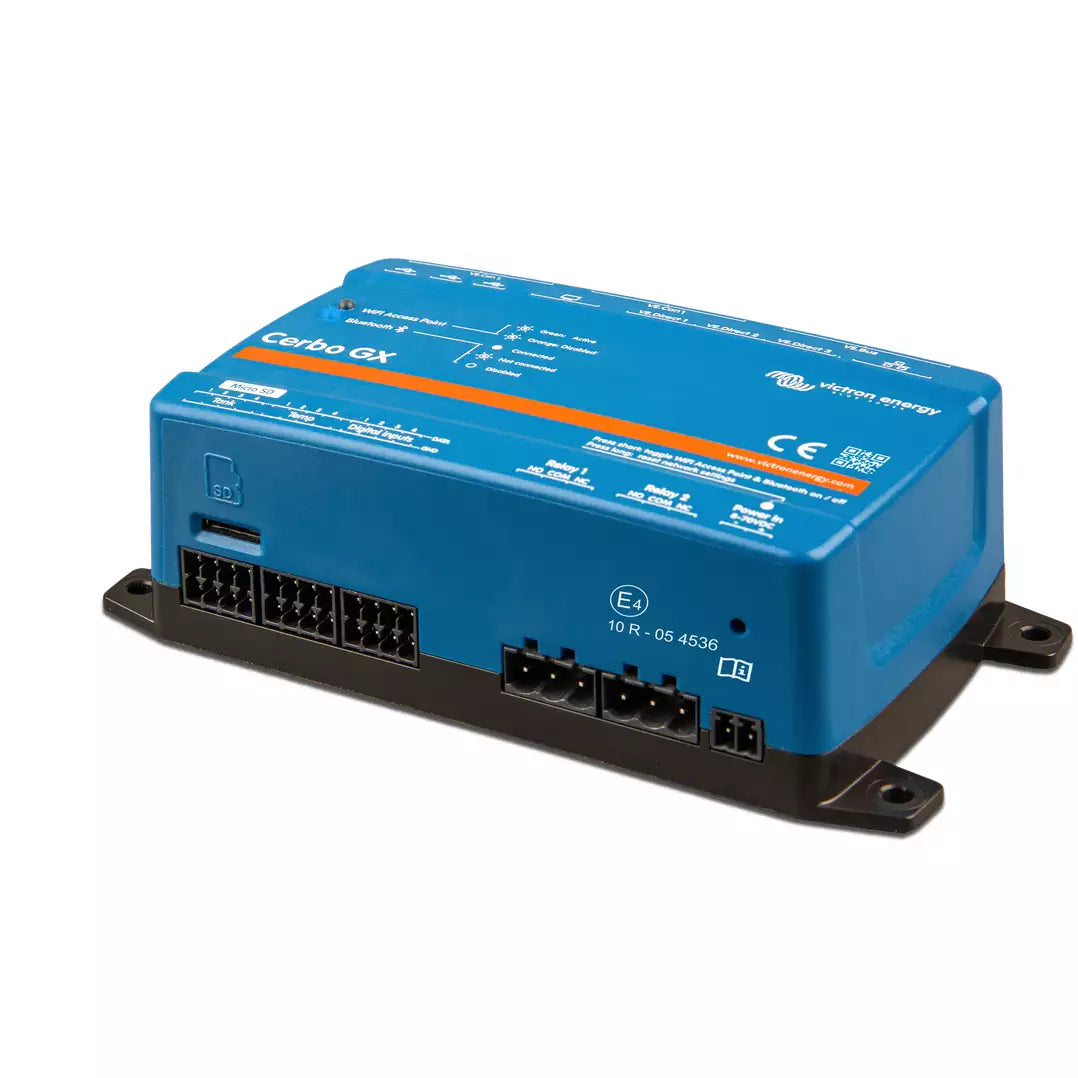
The MK3 is the current generation of Victron's Cerbo GX communication centre, succeeding the Cerbo GX MK2. It carries the full connectivity of the Cerbo platform: two functional VE.Can ports (VE.Can 1 galvanically isolated), three VE.Direct ports, three USB host ports, Ethernet, built-in Wi-Fi and Bluetooth, four resistive tank inputs, four temperature inputs, and NMEA 2000-out support via VE.Can 2 with the optional Victron cable. If you're building a Victron system — or expanding one — this is where it all comes together.
Key Features
- Whole-system monitoring — Live readings for battery state of charge, power flow, PV harvest, generator status, shore/grid input, tank levels, and temperatures, all on one screen.
- Remote access via VRM — Check on your system from your phone or laptop anywhere with internet. Receive alerts, run diagnostics, and adjust settings without being on board.
- Two functional VE.Can ports — Connect more devices to a single Cerbo GX. VE.Can 1 is galvanically isolated, which simplifies installations where the canbus runs between systems that don't share a common ground.
- NMEA 2000-out via VE.Can 2 — With the optional Victron VE.Can–to–NMEA 2000 Micro-C cable, push Victron data onto a boat's NMEA 2000 backbone so your chartplotter or MFD can display battery, inverter, and tank information alongside navigation data.
- Bluetooth setup with VictronConnect — Configure the Cerbo on a phone before you even mount it. No more juggling laptops in tight engine rooms.
- Generator auto start/stop — Set rules based on state of charge, time of day, or load, and the Cerbo handles the rest.
- Built for system expansion — Supports large lithium battery banks and many connected VE.Can solar chargers, so the same Cerbo that runs a 12V van upgrade can also run a whole off-grid cabin.
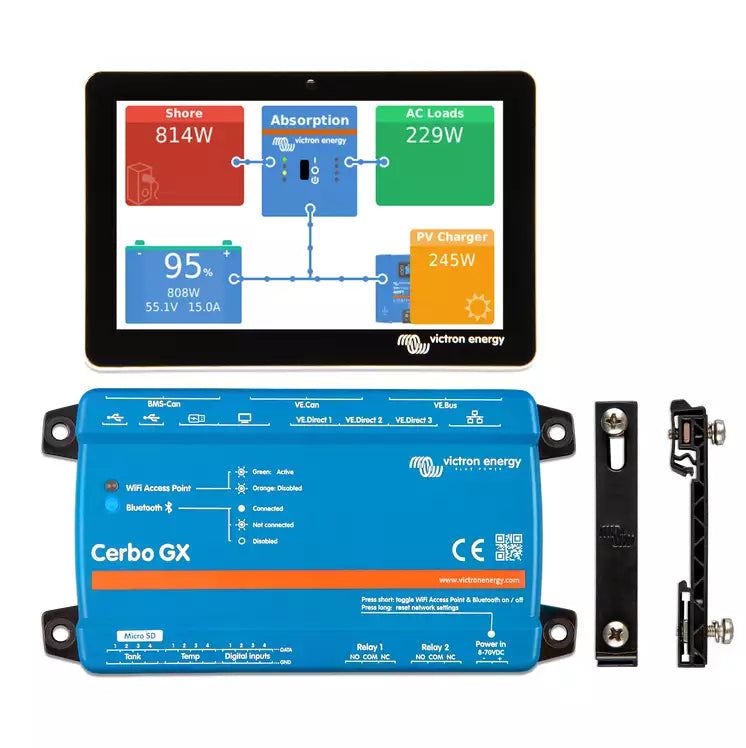
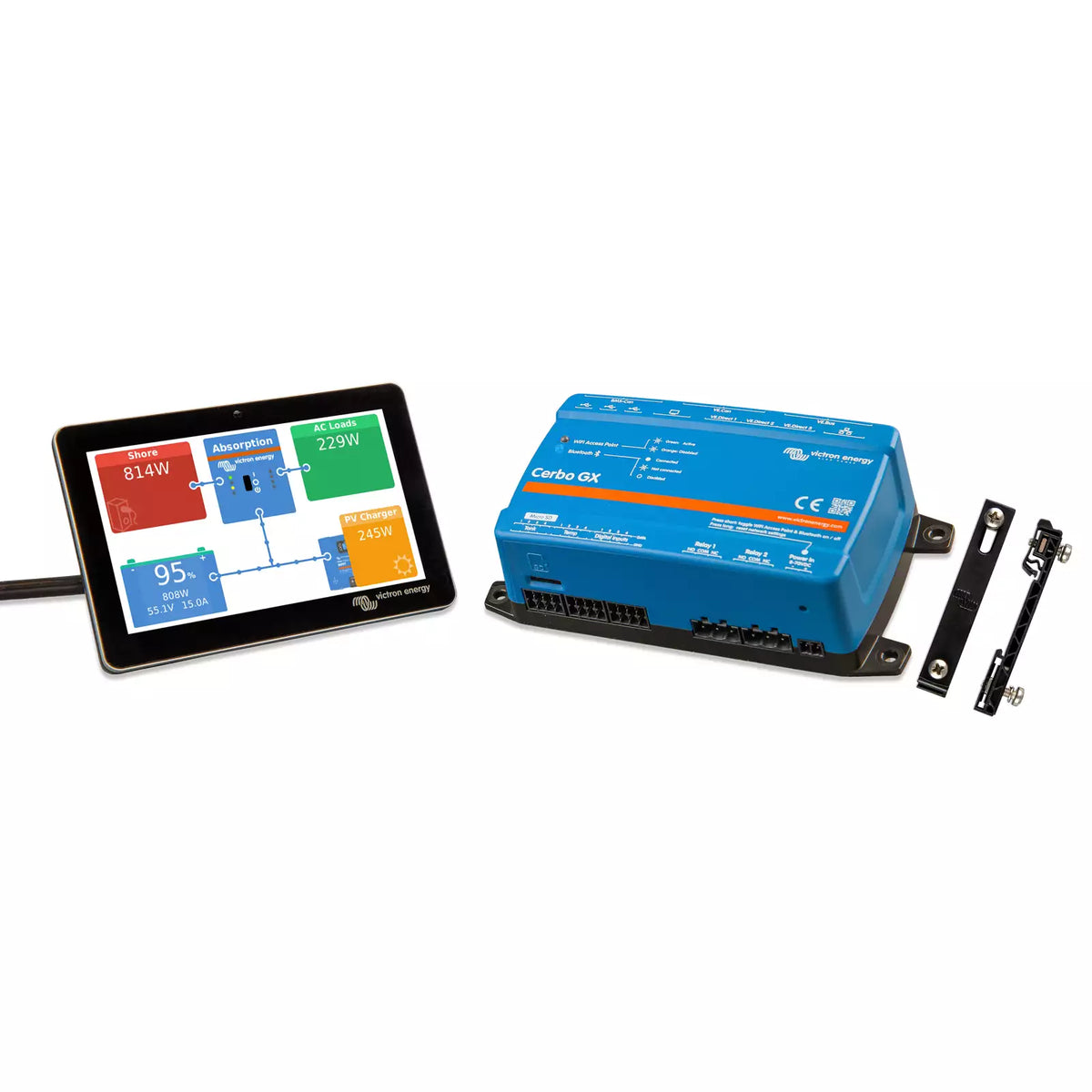
- Pairs with the GX Touch display — Add a slim, weather-resistant GX Touch 50 or 70 display for an at-a-glance dashboard at the helm or in a coach.
Technical Specifications
| Specification | Value |
|---|---|
| Model / Part Number | BPP900450130 |
| Supply voltage | 8 – 70 VDC |
| Power draw (without GX Touch) | 2.8 W @ 12 V |
| VE.Direct ports | 3 (always isolated). Max possible VE.Direct devices: 15 with VE.Direct USB and Bluetooth dongles. |
| VE.Bus port | 1 (with 2 paralleled RJ45 sockets, always isolated) |
| VE.Can ports | 2 — VE.Can 1 isolated, VE.Can 2 non-isolated. VE.Can 2 also serves as the BMS-Can connection. |
| USB ports | 3 host ports |
| Ethernet | 1 × 10/100 RJ45, isolated except shield |
| Wi-Fi | Built-in, 2.4 GHz |
| Bluetooth | Built-in (for VictronConnect configuration) |
| NMEA 2000-out | Supported via VE.Can 2 with the Victron VE.Can–to–NMEA 2000 Micro-C cable accessory (sold separately) |
| Resistive tank level inputs | 4 |
| Temperature sense inputs | 4 |
| Digital inputs | 4 |
| Relays | 2 × programmable NO/NC |
| Mounting | Wall or DIN-rail 35 mm (DIN-rail mounting requires the Victron DIN35 Adapter accessory) |
| IP rating | IP20 |
Specifications reflect the Victron Cerbo GX platform. Confirm any application-critical value against Victron's current Cerbo GX datasheet and manual (linked under Manuals & Datasheets).
Applications & Use Cases
RV & van
In a coach or van, the Cerbo GX ties together your house batteries, inverter/charger, solar, and DC-DC charger from the alternator. Pair it with a GX Touch 50 in the interior and you have a clean dashboard showing how much solar you're harvesting, how much load you're running, and what state your batteries are in. Remote VRM access is the killer feature for RVers — you can check the battery state while you're away from the rig.
Marine
On a boat, the Cerbo GX is usually mounted at the nav station or in an electrical locker, with a GX Touch display at the helm. Common setups pair it with a MultiPlus or Quattro inverter/charger, one or more SmartSolar MPPT charge controllers, a SmartShunt battery monitor, and lithium house batteries. NMEA 2000-out support means the same data can show up on your chartplotter — handy for multi-day passages. Generator auto start/stop is particularly useful for long anchor stays.
Off-grid and cabin
For an off-grid home or remote cabin, the Cerbo GX is the heart of an Energy Storage System (ESS). It coordinates solar, battery, generator, and (where applicable) grid input to keep loads running and batteries topped up. With VRM, you can monitor and troubleshoot the system from anywhere — useful when the cabin is hours away or you're managing several sites.
Compatibility & System Integration
The Cerbo GX MK3 talks to virtually every smart Victron product made in the last decade:
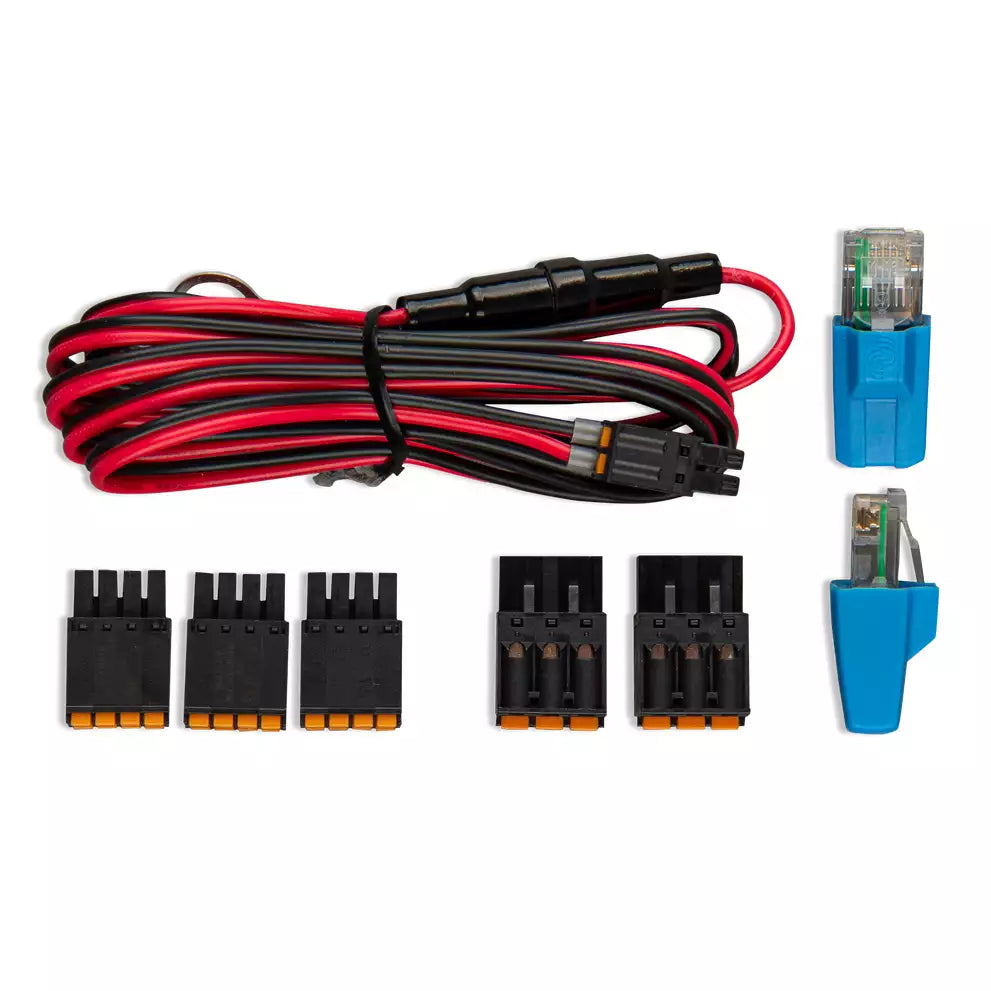
- Inverters and inverter/chargers (VE.Bus): MultiPlus, MultiPlus-II, Quattro, Quattro-II, Phoenix Inverter Smart — connect via the VE.Bus port using a standard RJ45 cable.
- Solar charge controllers (VE.Direct or VE.Can): SmartSolar MPPT 75/10 through 250/100. Smaller units use VE.Direct; larger units have VE.Can.
- Battery monitors (VE.Direct): SmartShunt and BMV-712 connect via VE.Direct for live state of charge readings.
- Lithium batteries (VE.Can / BMS-Can): Victron Lithium NG, Smart Lithium with Lynx Smart BMS, and many third-party BMS-Can–compatible batteries.
- DC-DC chargers (VE.Direct): Orion-Tr Smart and Orion XS series for monitoring charge from the alternator.
- Tank and temperature sensors: Four resistive tank level inputs plus four temperature sense inputs.
- Displays: GX Touch 50 (5-inch) or GX Touch 70 (7-inch), connected via HDMI + USB.
- Marine networks: NMEA 2000-out via VE.Can 2 with the optional Victron VE.Can–to–NMEA 2000 Micro-C cable.
- Modbus TCP / MQTT: The Cerbo exposes data over the network for integration with Home Assistant, Node-RED, and other automation platforms.
Care & Maintenance
The Cerbo GX is a solid-state device with no moving parts — nothing to lubricate, clean, or replace on a schedule. A common approach is to leave it powered continuously so VRM stays up to date and firmware updates install automatically when connected.
- Firmware updates: Run automatically over Wi-Fi or Ethernet when connected; you can also push updates manually via VRM or VictronConnect.
- Ventilation: The Cerbo doesn't run hot, but give it the same airflow you'd give any DIN-rail electronics.
- Mounting location: Keep it dry — the Cerbo is rated IP20 (not waterproof); the GX Touch display is the option for wet helm locations.
- Backup of settings: Once your system is dialed in, exporting the settings file via VictronConnect or VRM gives you a safety net.
Troubleshooting
- A connected device isn't showing up. Check that the cable is fully seated (VE.Direct cables click when properly inserted) and that the device has power. For VE.Can devices, confirm there's a 120Ω terminator at each end of the bus.
- VRM shows the system offline. Usually a network issue. Confirm the Cerbo has a working internet connection and that the time/date are correct.
- GX Touch display is blank. Check both the HDMI cable and the USB power cable — the Touch needs both.
- NMEA 2000 not appearing on the MFD. Confirm you're using the Victron VE.Can–to–NMEA 2000 Micro-C cable on VE.Can 2, that the N2K backbone has proper termination and 12V power, and that NMEA 2000-out is enabled in settings.
For anything not on this list, our team is happy to help — email support@bluemarine.com with a description of what you're seeing and a VRM screenshot if you can.
Frequently Asked Questions
Do I need a Cerbo GX if I already use VictronConnect?
VictronConnect works great for monitoring a single Victron product over Bluetooth. The Cerbo GX comes into play when you have multiple Victron devices and want them on one dashboard, remote VRM access from anywhere, advanced features like generator auto start/stop, or NMEA 2000 integration with a chartplotter. If your system has more than a couple of Victron components, the Cerbo is usually worth it.
Is the Cerbo GX MK3 compatible with my existing GX Touch display and Victron devices?
Yes. The Cerbo GX MK3 works with both the GX Touch 50 and GX Touch 70 displays (HDMI + USB) and with the full Victron ecosystem over VE.Bus, VE.Direct, and VE.Can, the same as previous Cerbo GX revisions.
Can the Cerbo GX work without internet?
Yes. The Cerbo works fully offline — local monitoring, control, generator start/stop, and ESS functions all run without an internet connection. You only need internet for remote VRM access and over-the-air firmware updates.
Warranty
Victron backs the Cerbo GX MK3 with a 5-year limited warranty, upgradable to 10 years for an additional 10% of the initial investment. Victron handles warranty claims through the distributor that sold the unit — if you bought yours from Blue Marine, that's us. We'll troubleshoot with you first, then work with Victron on a repair or replacement if it comes to that. Email support@bluemarine.com to start a claim.
Resources
- Victron Cerbo GX product page (Victron Energy)
- Power Smarter: The Victron Cerbo GX — the Brain of Modern Marine, RV and Off-Grid Power Systems (Blue Marine blog)
- Accessing Your Power System From Anywhere with Victron's VRM (Blue Marine blog)
Manuals & Datasheets
Datasheets
Manuals
Guides & resources
Need a document you don't see here? Schedule a consultation or email support@bluemarine.com and we'll send it over.
Choose options

About Blue Marine
Nationwide Shipping from Our Warehouse in Seattle
Knowledgeable ABYC Certified advisors, friendly advice and fast shipping.